Chapter 4
Connect your Cloud API number
Ultra WhatsApp connects to Meta's Cloud API directly, or through 18 named providers such as 360dialog, Twilio, Gupshup, Infobip, WATI, Interakt and AiSensy, or any other through the Custom HTTP API option. The same steps are on the Cloud API setup pages.
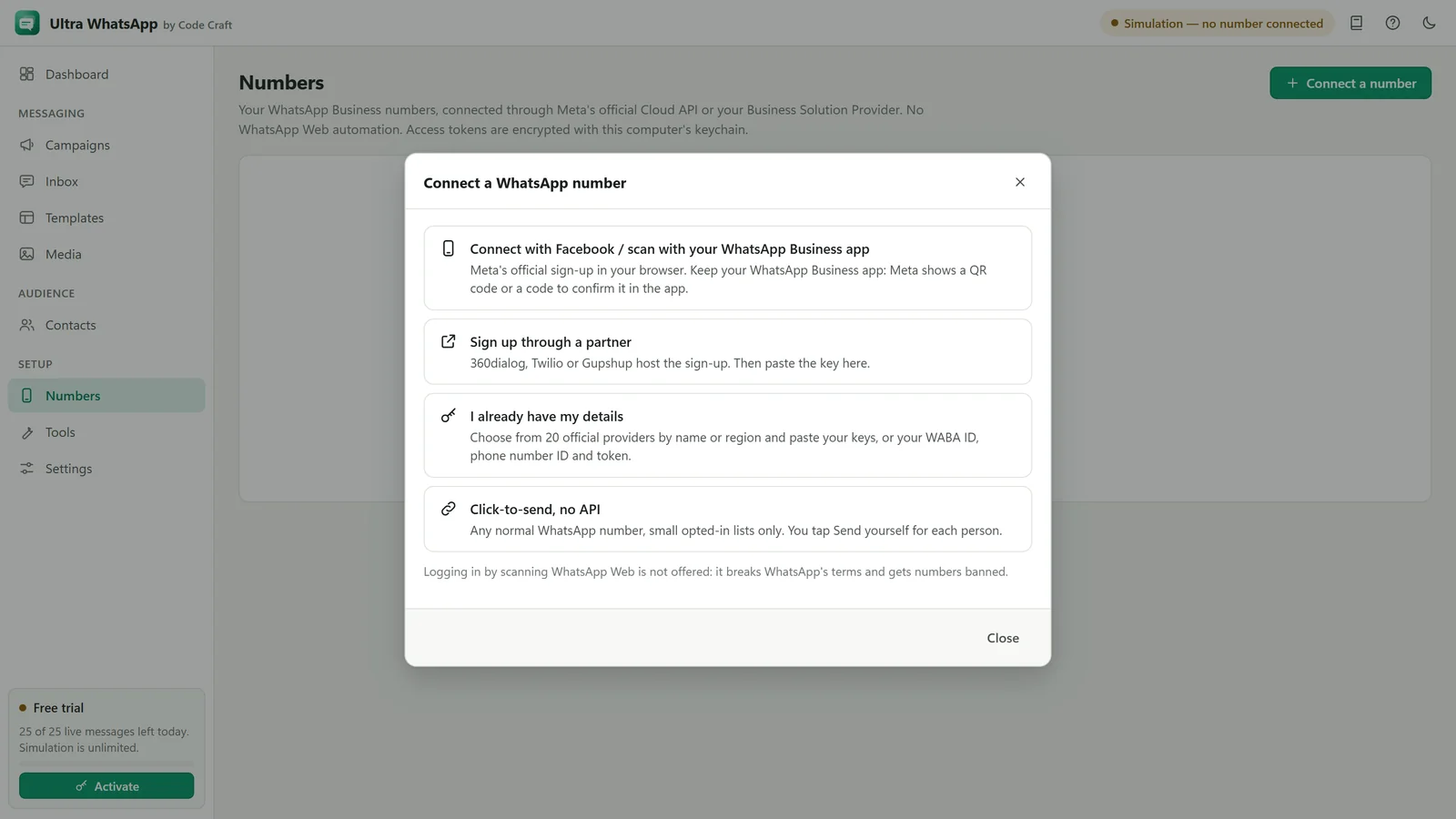
Connect a number offers these routes:
- Connect with Facebook / scan with your WhatsApp Business app: Meta's own sign-up, where you confirm with a QR code or a code. It is not switched on yet, and the app says so. See one-tap connect.
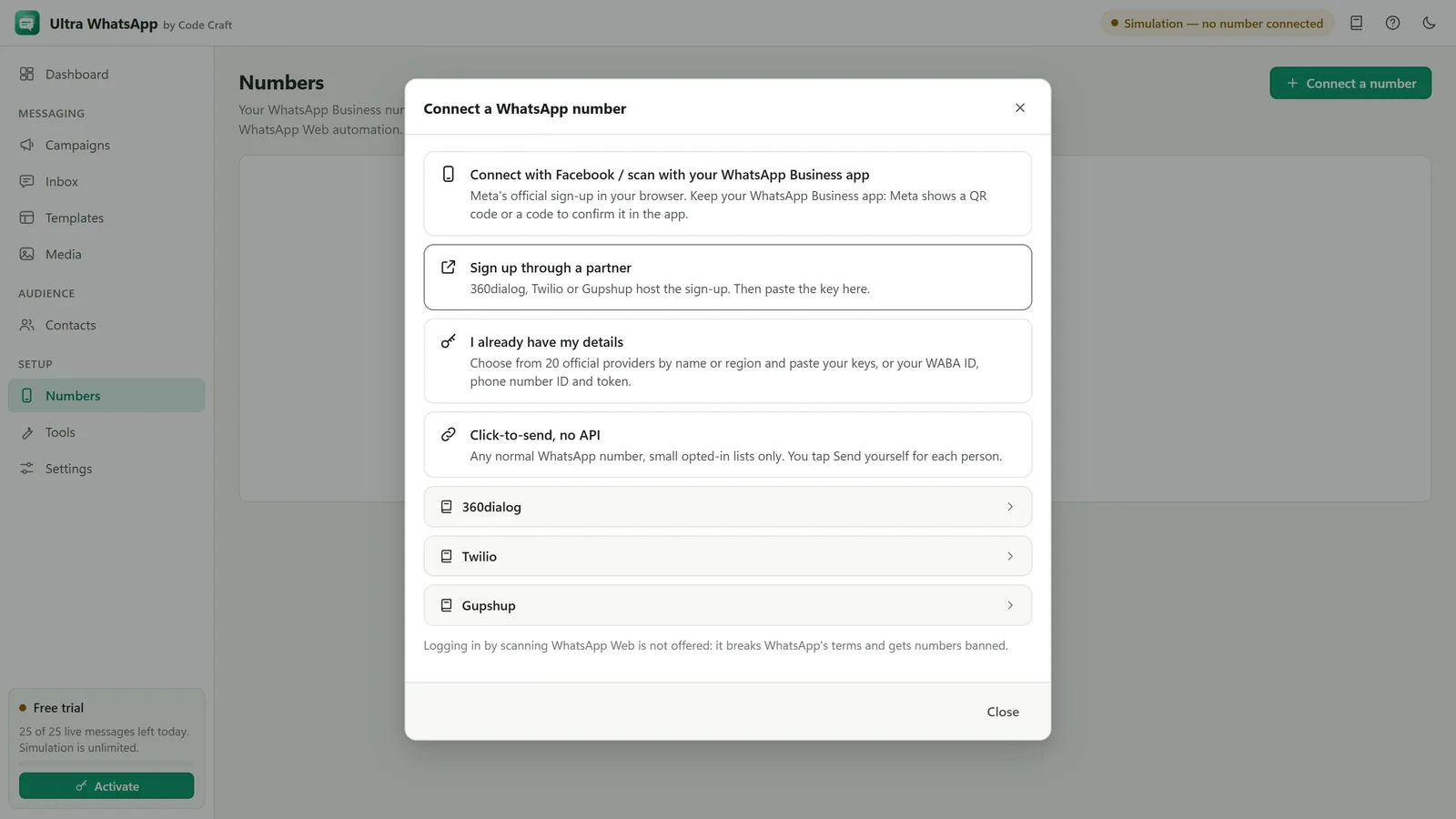
- Sign up through a partner: 360dialog, Twilio or Gupshup host the sign-up, then you paste the key.
- I already have my details: choose from 20 options by name or region and paste your keys, or your WABA ID, phone number ID and token.
- Click-to-send, no API: any normal WhatsApp number, small opted-in lists only. You tap Send yourself for each person.
Logging in by scanning WhatsApp Web is not offered: it breaks WhatsApp's terms and gets numbers banned.
Connect directly with Meta
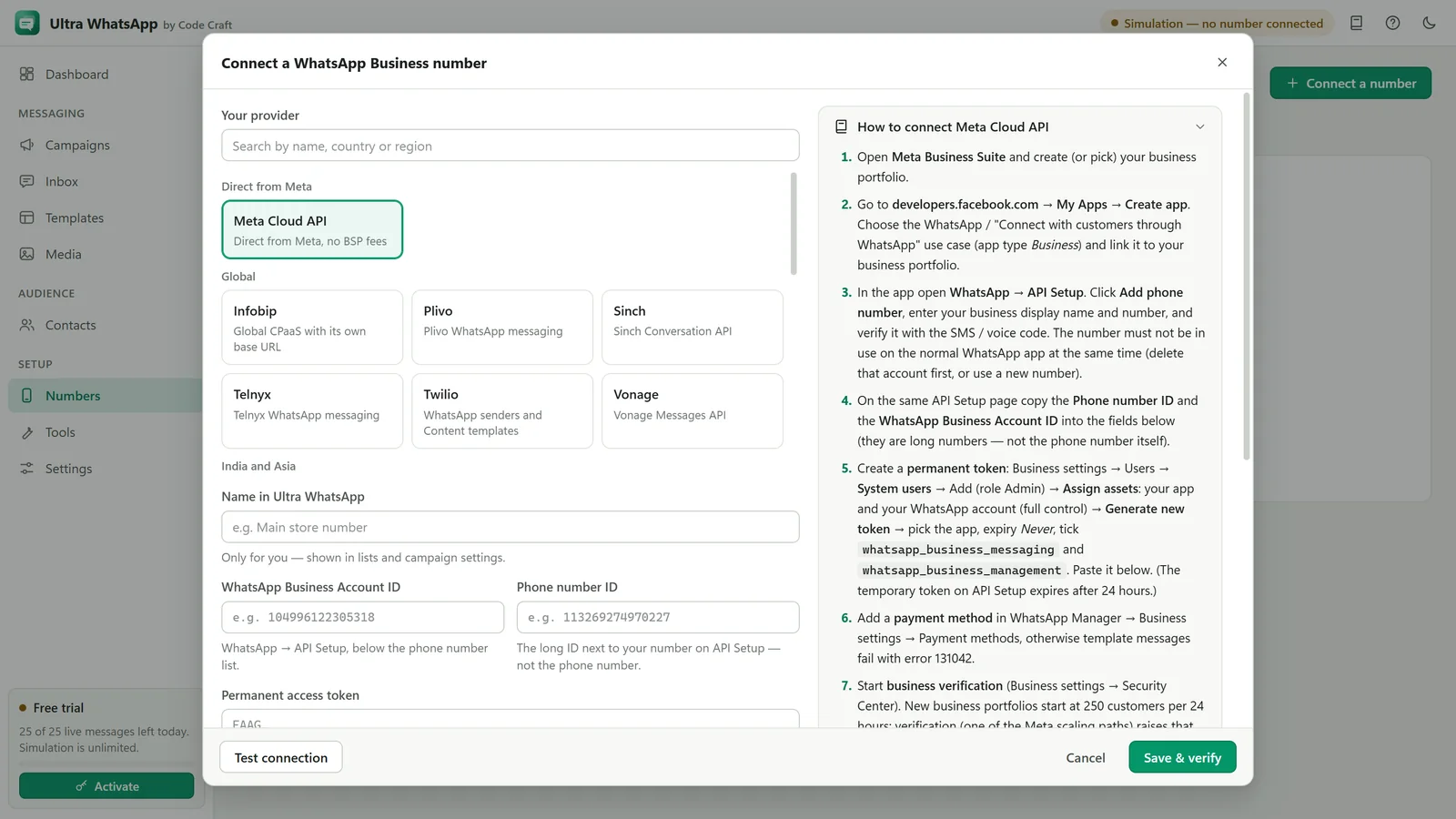
- Open Numbers, click Connect a number and choose I already have my details. Keep Meta Cloud API selected; the steps on the right have buttons that open each Meta page.
- Enter a Name in Ultra WhatsApp, then paste the WhatsApp Business Account ID, the Phone number ID and the Permanent access token. The App ID is optional (only needed to upload sample media for media templates).
- Click Test connection: the app reads the display name, quality rating and messaging limit from Meta. Then click Save & verify.
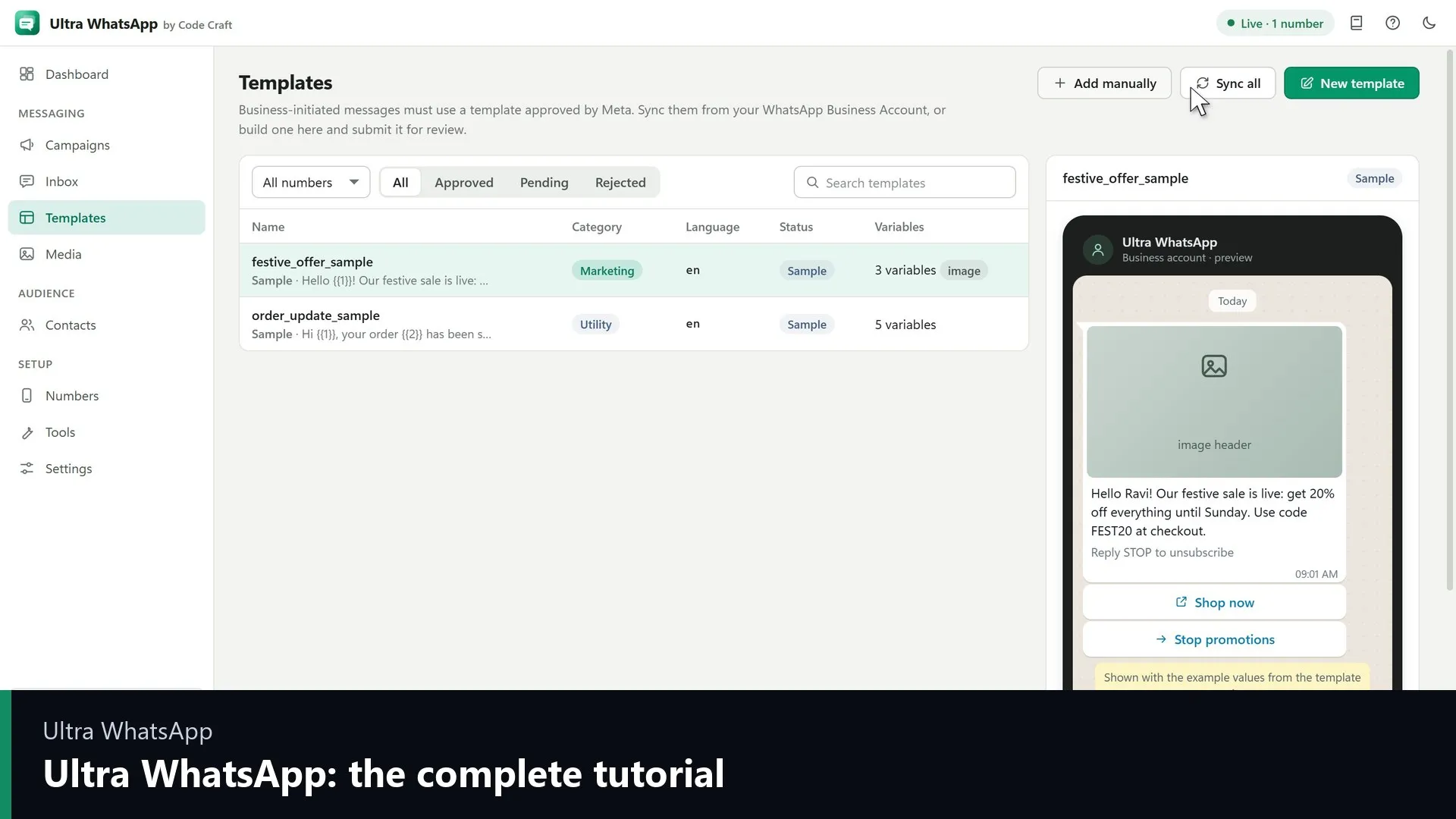
- Send a test template to your own WhatsApp number with Tools, Quick single send.
The token on Meta's API Setup page is temporary (about 24 hours). Generate a system-user token for real use.
Related guides and pages
- Ultra WhatsAppWhatsApp Cloud API Setup: Meta and BSPsConnect a WhatsApp Business number through Meta or one of 18 named providers, with a token or key and a webhook.Open
- Ultra WhatsAppConnect WhatsApp Business Number: Ways That Work TodayOne-tap connect is coming, and manual setup and partner sign-up work today. No WhatsApp Web login.Open
- Ultra WhatsApp setupWhatsApp Business Cloud API Setup with MetaBusiness portfolio, app, phone number ID, permanent system-user token and webhook, with no middleman fee.Open
- Ultra WhatsAppWhatsApp Cloud API Tutorial: Setup VideosGetting started with Ultra WhatsApp, connecting a business number and your first campaign, with transcripts.Open
- Ultra WhatsAppBulk WhatsApp Software Price: $79 a YearUltra WhatsApp is from $79 a year, $29 a month or $199 once, for 1, 3 or 10 devices, with a 15-day refund. Meta bills separately.Open
- Ultra WhatsAppBulk WhatsApp Sender FAQ: API and CostThe official Cloud API, templates, the 24-hour window, what Meta charges, messaging limits, opt-in, the free trial and the licence.Open