Chapter 5
Templates
A template is a message Meta has approved in advance. You need one to start a conversation with anyone who has not messaged you in the last 24 hours.
- Sync all (Templates page) brings in the templates on your account, with their language, category and status (approved, pending, rejected).
- New template opens the builder: name, language, category, optional header, body with variables, example values, footer and buttons, with a live preview and a check against Meta's rules. Submit to Meta for review sends it; approval usually takes from a few minutes to a day.
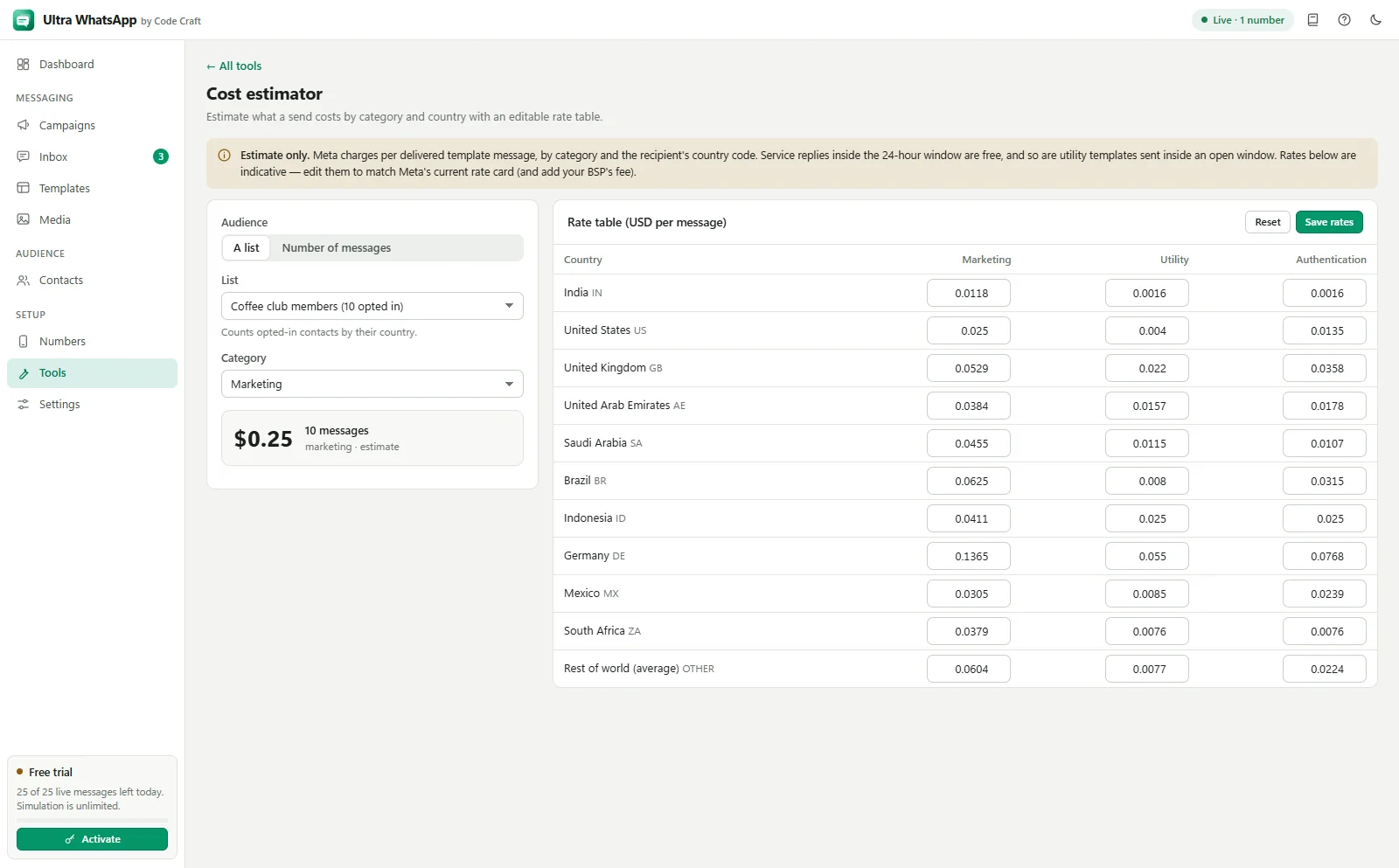
- Categories: marketing (offers, news), utility (order and account updates) and authentication (one-time codes). Meta prices them differently and may change a template's category when it reviews it.
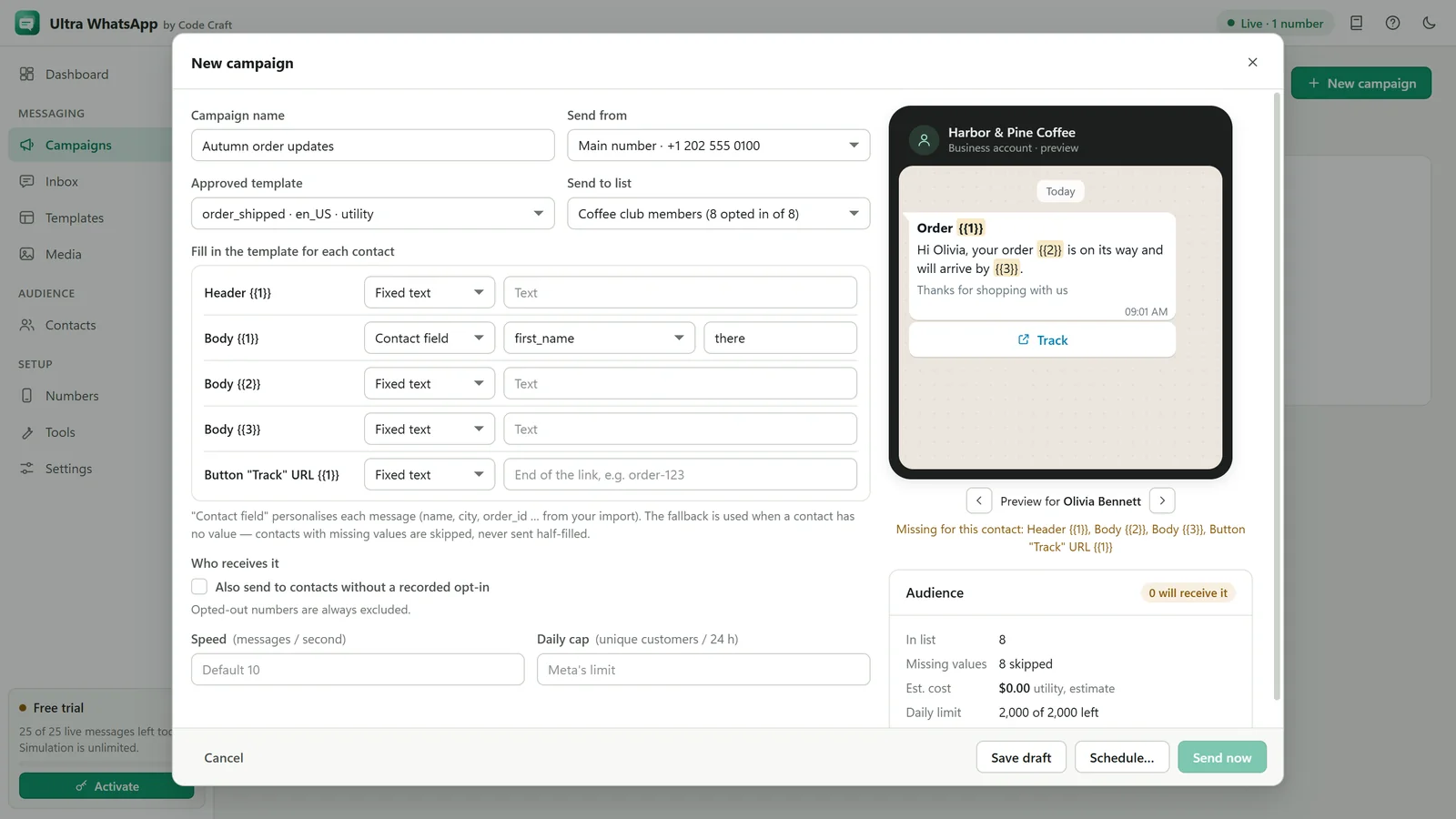
- Variables are written
{{1}},{{2}}and so on, numbered in order. - Header: optional text, image, video or document. Footer and buttons (quick replies, website links, a call button) are optional too.
- Add manually is for providers without a template API: paste the template exactly as approved.
Templates whose body begins or ends with a variable, or is mostly variables, are often rejected. Write a complete sentence around them. Tools, Message compliance checker runs these checks before you submit.
Related guides and pages
- Ultra WhatsAppWhatsApp Template Preview and App ToolsTry the WhatsApp template preview on this page, then see the tools inside Ultra WhatsApp: compliance checker, cost estimator, number validator and list cleaner.Open
- Ultra WhatsApp manualSend a WhatsApp Broadcast Campaign, Step by StepPick a template, map variables, check the audience, keep under your limit, then send or schedule.Open
- Ultra WhatsAppBulk WhatsApp Software Price: $79 a YearUltra WhatsApp is from $79 a year, $29 a month or $199 once, for 1, 3 or 10 devices, with a 15-day refund. Meta bills separately.Open
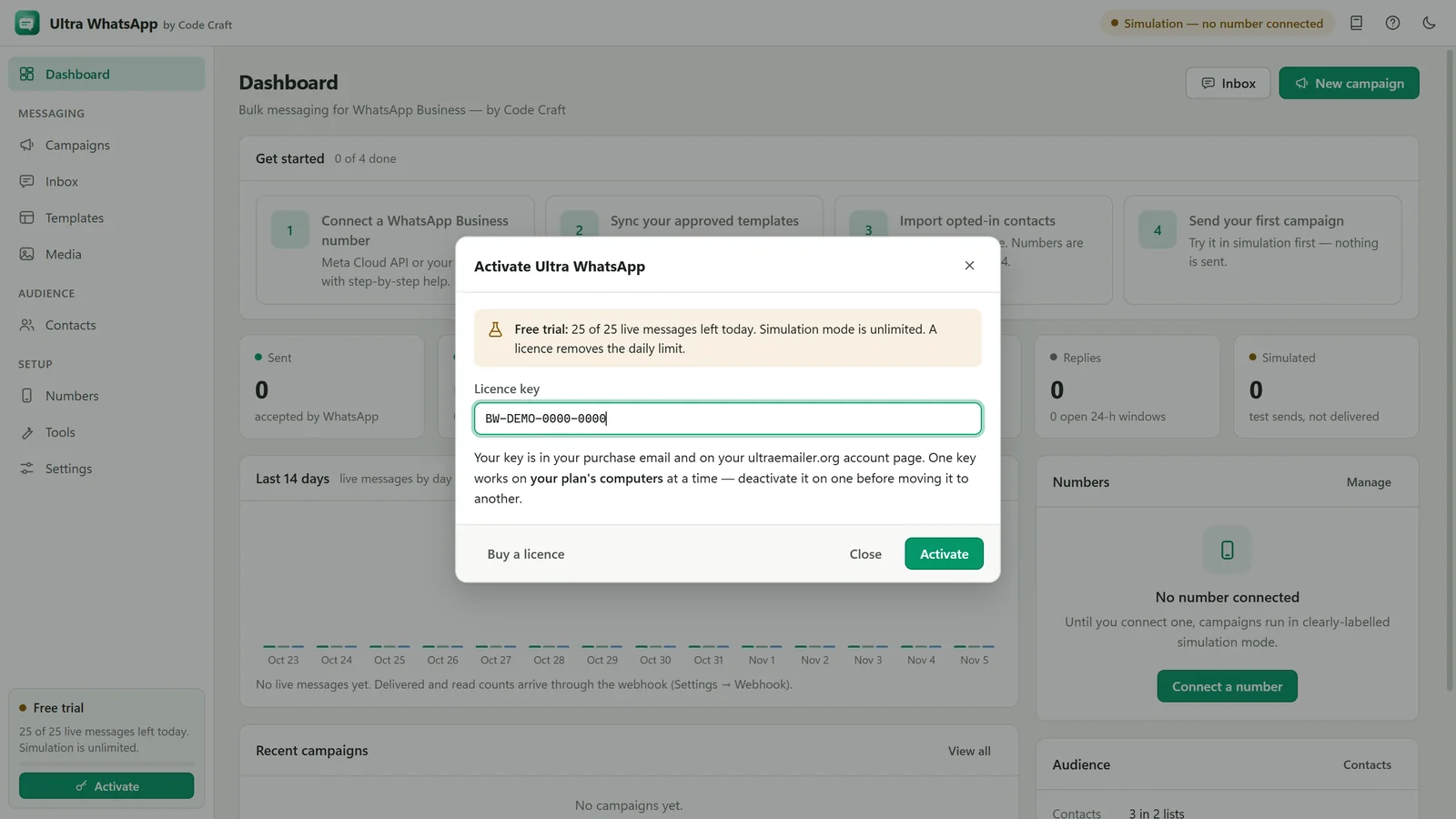
- Ultra WhatsAppBulk WhatsApp Sender FAQ: API and CostThe official Cloud API, templates, the 24-hour window, what Meta charges, messaging limits, opt-in, the free trial and the licence.Open