FAQ
Bulk WhatsApp sender FAQ: questions people ask before buying
Does Ultra WhatsApp automate WhatsApp Web?
No. Campaigns only use the official WhatsApp Business Cloud API, directly from Meta or through one of 18 named providers. There is no scan-to-log-in and no automation of WhatsApp Web or the phone app, which is what gets numbers banned. Click-to-send only opens a chat link with the message filled in: you press Send yourself.
What is click-to-send?
A no-API route for small lists of people who agreed to hear from you, on any normal WhatsApp number. Ultra WhatsApp opens one chat at a time with the message filled in, you tap Send in WhatsApp, and then you mark it as sent. It takes up to 200 people in a session and warns you from 40 confirmed sends a day. Above about 50 a day, use the official API, because WhatsApp restricts numbers used for bulk sending. There are no delivery reports on this route.
Can I connect by scanning a QR code?
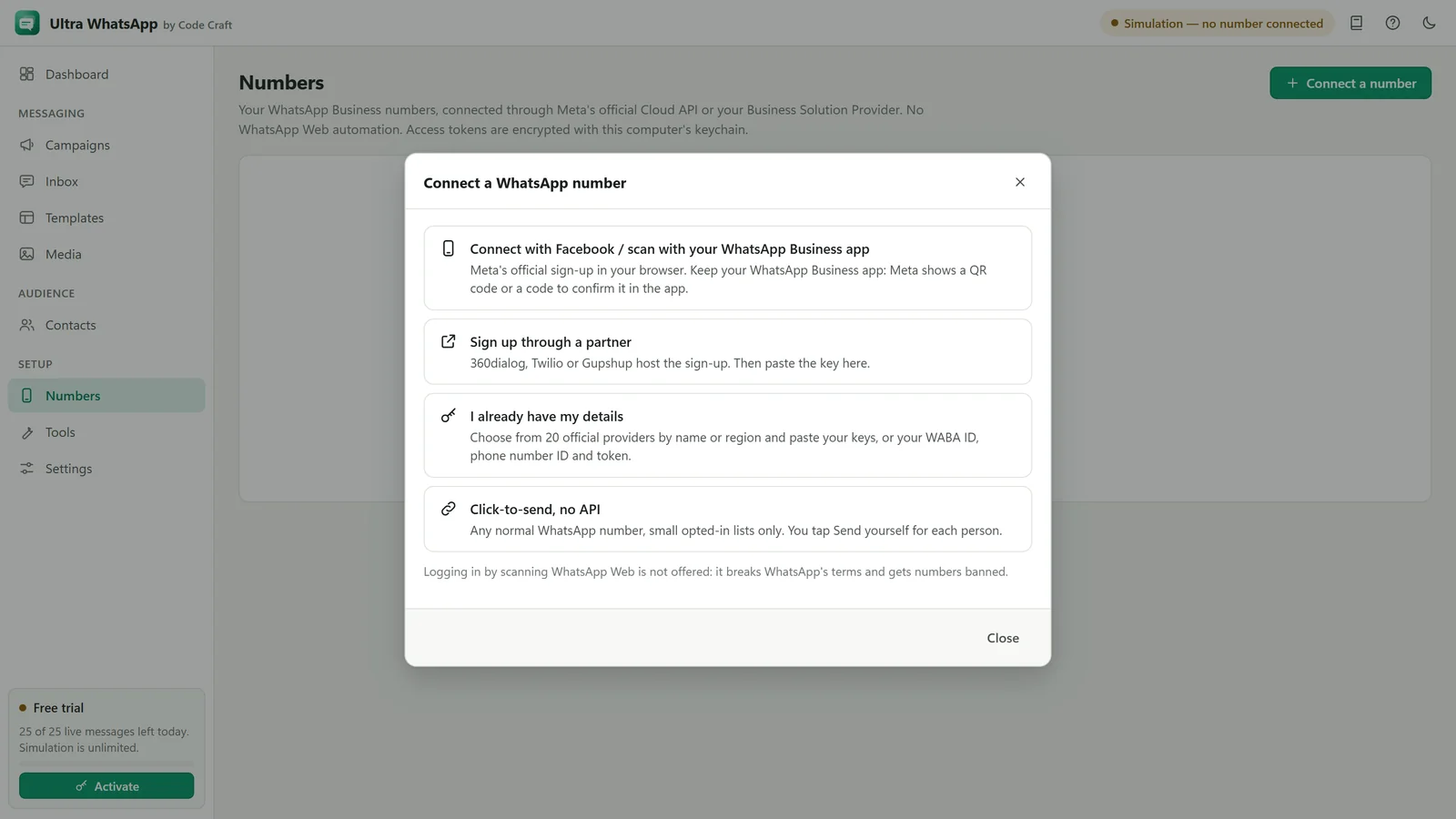
Not as a WhatsApp Web login, which we do not offer. Meta's official sign-up for WhatsApp Business app users is coming to Ultra WhatsApp, and in that flow you confirm with a QR code or a code shown by Meta. Until it is switched on, use manual setup or a partner's sign-up.
Is there a free trial of Ultra WhatsApp?
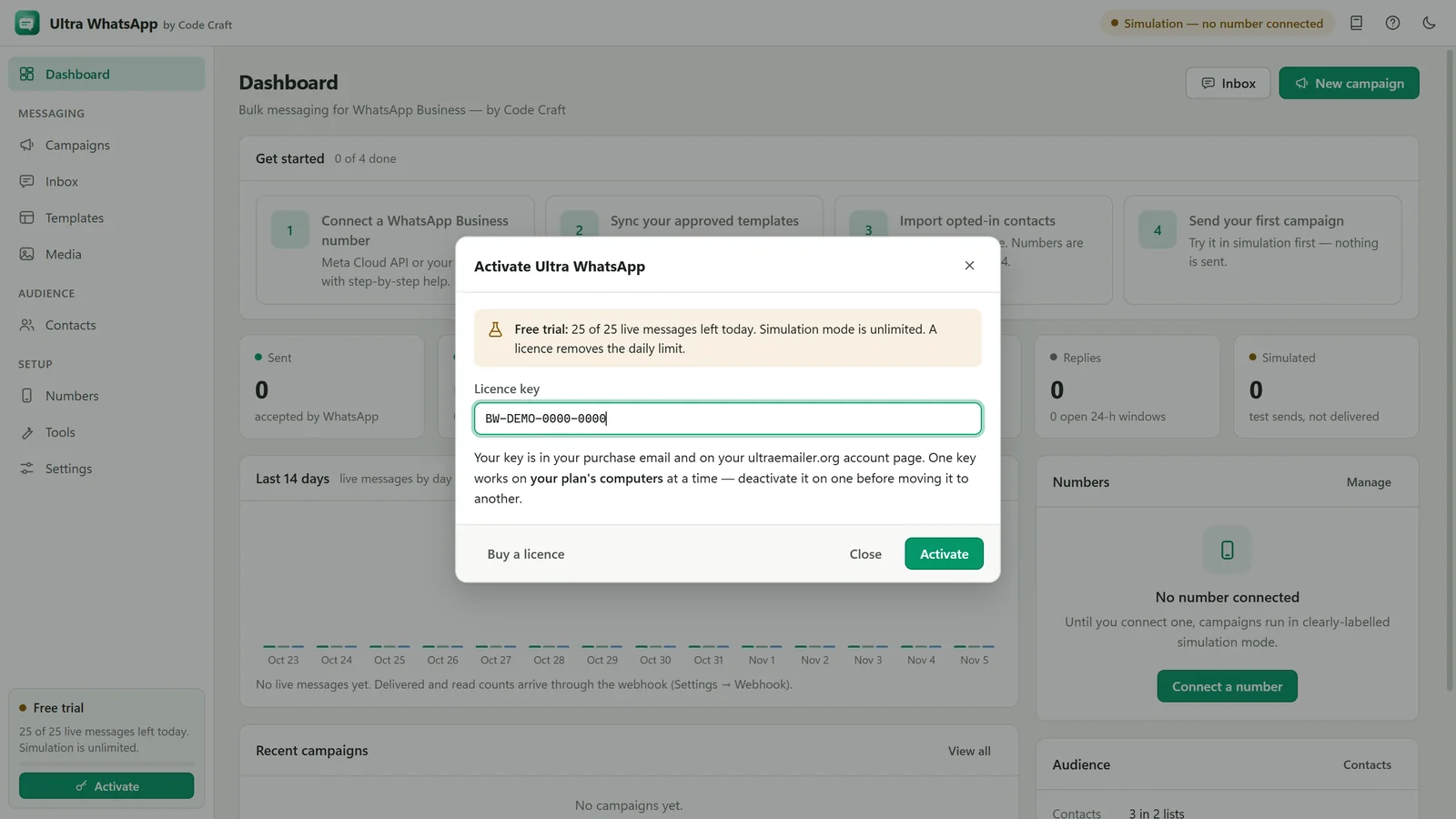
Yes, with no time limit. Every feature works without a key, and sending is capped at 25 messages a day until you activate a licence.
What does the Ultra WhatsApp licence cost?
From $29 a month, $79 a year or $199 once, on monthly, yearly or lifetime plans: 1 device on Starter, 3 on Business, 10 on Agency. Free updates, support and a 15-day money-back guarantee. Monthly and yearly licences are prepaid. Nothing renews or charges by itself: you renew from your account when you choose.
Do I also pay Meta?
Yes. Meta charges for template messages at its own rates for each category and country, billed to the payment method in your WhatsApp Manager. Ultra WhatsApp never handles that money and adds no per-message fee.
What do I need before I start?
A Meta business portfolio, a phone number that can receive a verification code and is registered with the Cloud API, a payment method in WhatsApp Manager, and contacts who opted in. The setup guide covers each step.
Can I use the number I have on the WhatsApp Business app?
Usually a number must be moved to the Cloud API, after which it is no longer used in the phone app. Meta's coexistence option keeps the Business app working alongside the API: 360dialog offers it today, confirmed with a QR code or a code, and it is coming to Ultra WhatsApp's own connect route. A number on both is capped at 20 messages a second, and broadcast lists and group chats are not supported on the API side.
Why do I need templates?
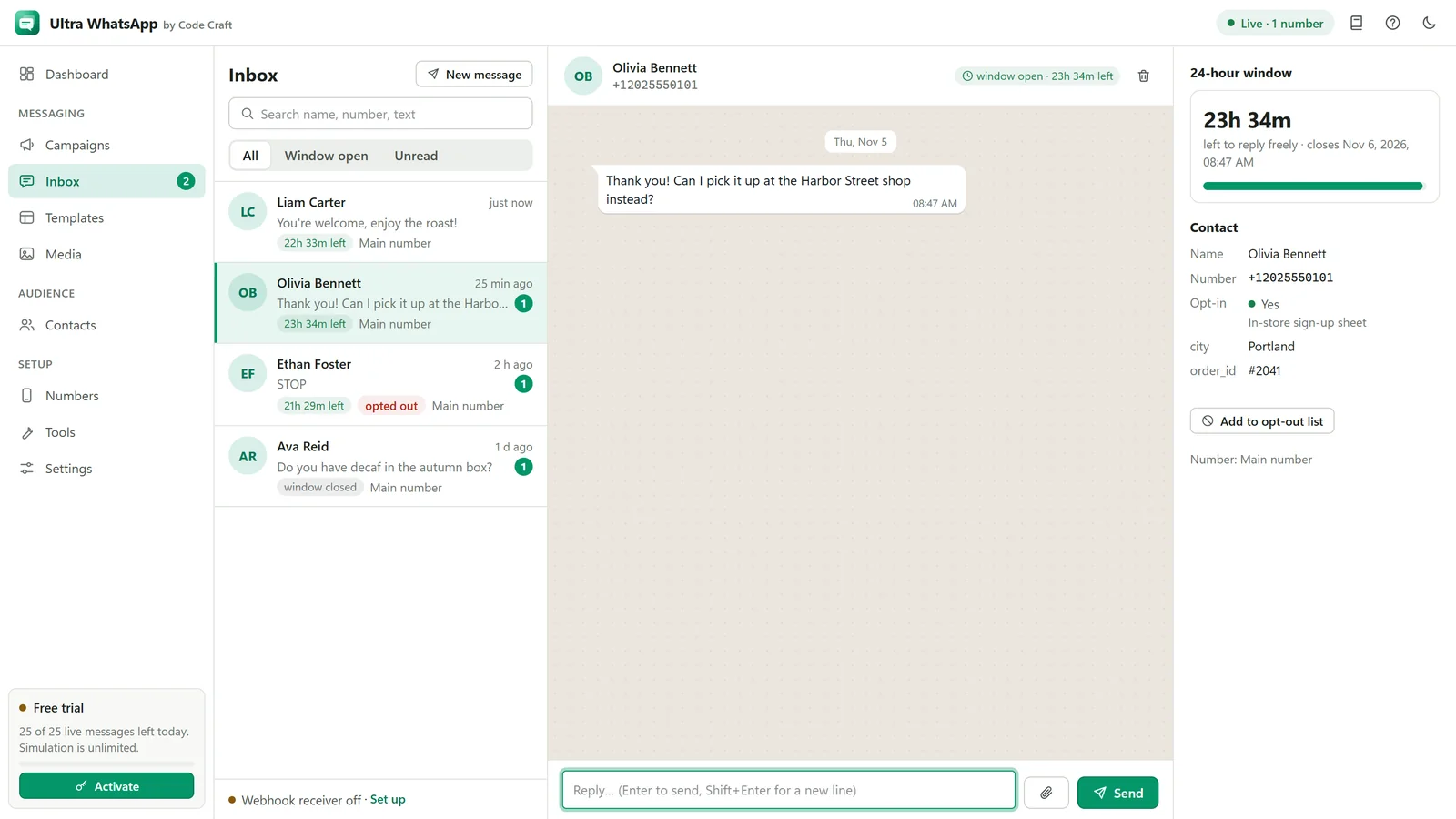
Meta only lets businesses start a conversation with an approved template. When a customer writes to you, you can reply freely for 24 hours.
How many messages can I send a day?
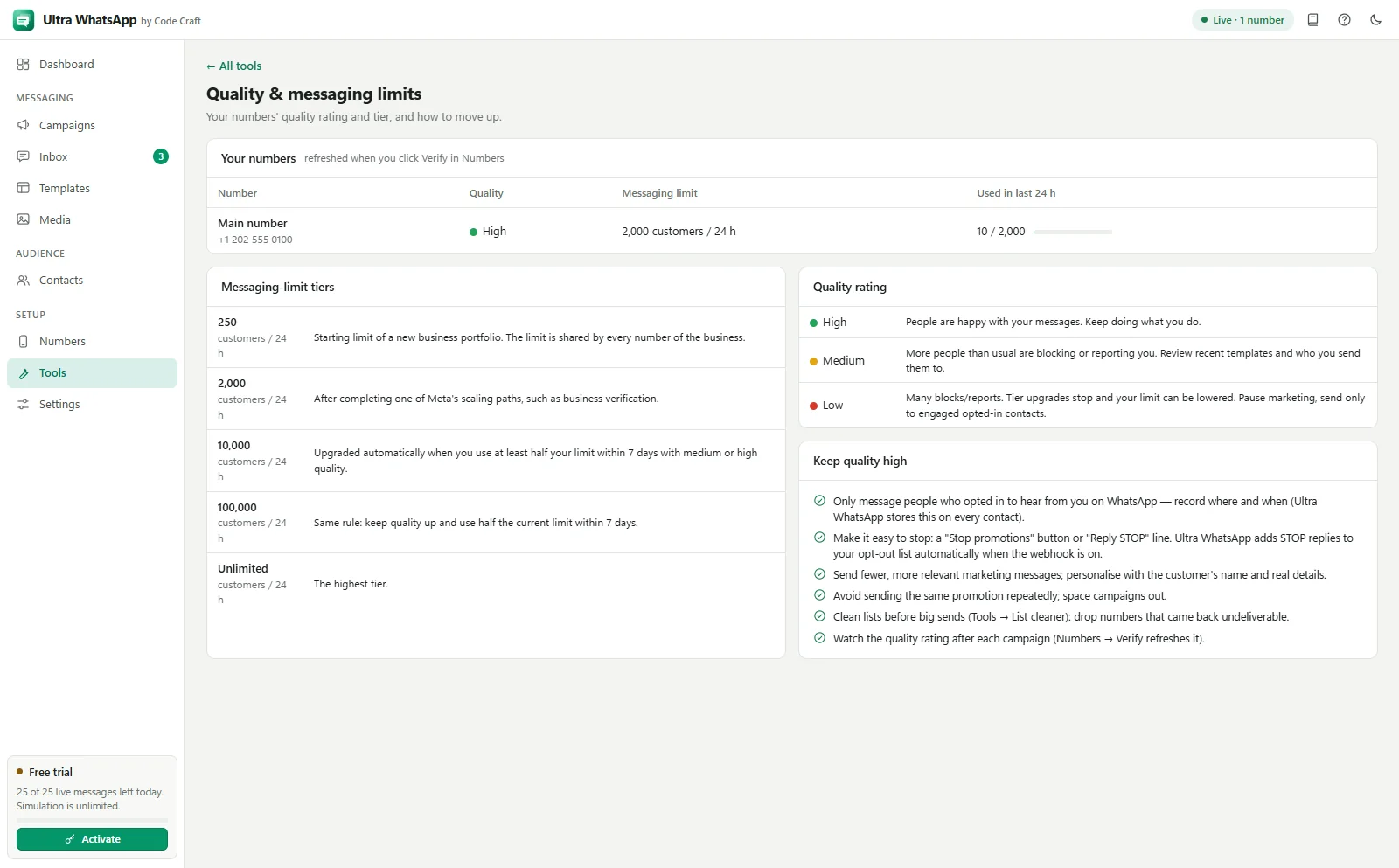
Meta sets a messaging limit on how many different people you can start conversations with in 24 hours. New accounts start low and the limit rises as you send messages people value. Ultra WhatsApp paces campaigns under your limit.
Will my number get banned?
Using the official API removes the automation risk. Meta can still restrict numbers that people block or report, so only message opted-in contacts and keep messages relevant.
Can I see who read my message?
Yes, when the webhook is set up: sent, delivered, read and failed per contact. Read only shows for people who have read receipts on.
Can I receive replies?
Yes. Replies arrive through your webhook and appear in the Ultra WhatsApp inbox, where you can answer within the 24-hour window.
Which systems does it run on?
Windows 10 and 11 and macOS 12 or later (Apple Silicon and Intel), plus an Android app (APK); the iOS app is coming to the App Store. One key covers the devices its tier allows, in any mix. Ultra WhatsApp needs internet to send, to activate your key and for a licence check at least every 14 days.
How many devices can I use one Ultra WhatsApp key on?
1 device on Starter, 3 on Business, 10 on Agency, at a time, and you can move it up to 3 times a year.
Where do I get my Ultra WhatsApp licence key?
It appears on this site after payment, Code Craft emails it to you, and it is in My account. It starts with BW-. In Ultra WhatsApp click Activate on the licence card (or Help, Activate licence) and paste it.
Is Ultra WhatsApp made by Meta or WhatsApp?
No. Ultra WhatsApp is made by Code Craft. WhatsApp is a trademark of Meta Platforms, Inc. Ultra WhatsApp is an independent product by Code Craft and is not affiliated with or endorsed by Meta.
How do I get help with Ultra WhatsApp?
Use the contact form or email contact@ultraemailer.org. Support is included while your licence is active.
Still unsure? Ask us.
WhatsApp is a trademark of Meta Platforms, Inc. Ultra WhatsApp is an independent product by Code Craft and is not affiliated with or endorsed by Meta.
Related guides and pages
Where to go next: guides, setup steps and the pages people read alongside this one.
- Ultra WhatsAppBulk WhatsApp Software Price: $79 a YearUltra WhatsApp is from $79 a year, $29 a month or $199 once, for 1, 3 or 10 devices, with a 15-day refund. Meta bills separately.Open
- Ultra WhatsApp manualWhatsApp 24 Hour Window and Meta ChargesWhen you can reply freely, when you need a template, how Meta charges for each category, and where to read current rates.Open
- Ultra WhatsApp manualWhatsApp Quality Rating and Good StandingWhat lowers it, how it affects your messaging limit, and the habits that keep your business number in good standing.Open
- Ultra WhatsAppWhatsApp Cloud API Setup: Meta and BSPsConnect a WhatsApp Business number through Meta or one of 18 named providers, with a token or key and a webhook.Open
- Ultra EmailerBulk Messaging Software Support and ContactAsk about Ultra Email, Ultra SMS or Ultra WhatsApp before buying, get licence help or ask for a refund. Replies within a day.Open