Manual
Bulk WhatsApp sender user guide
12 short chapters, in the order you will need them. Each page works on its own.
This manual covers the whole job: installing Ultra WhatsApp, activating a licence, connecting a Cloud API number, working with templates, keeping opt-in records, sending a campaign, understanding Meta's 24-hour window and charges, and setting up the webhook for statuses and replies. If you are new to the WhatsApp Business Platform, read the chapters in order. Every chapter stands alone.
- 1Welcome and what you need
- 2Install Ultra WhatsApp
- 3Activate your licence
- 4Connect your Cloud API number
- 5Templates
- 6Contacts and opt-in
- 7Send a campaign
- 8The 24-hour window and what Meta charges
- 9Statuses and error codes
- 10Webhook and inbox
- 11Quality rating and staying in good standing
- 12The built-in tools
Connecting an account? See the Ultra WhatsApp cloud api setup guides.
Related guides and pages
Where to go next: guides, setup steps and the pages people read alongside this one.
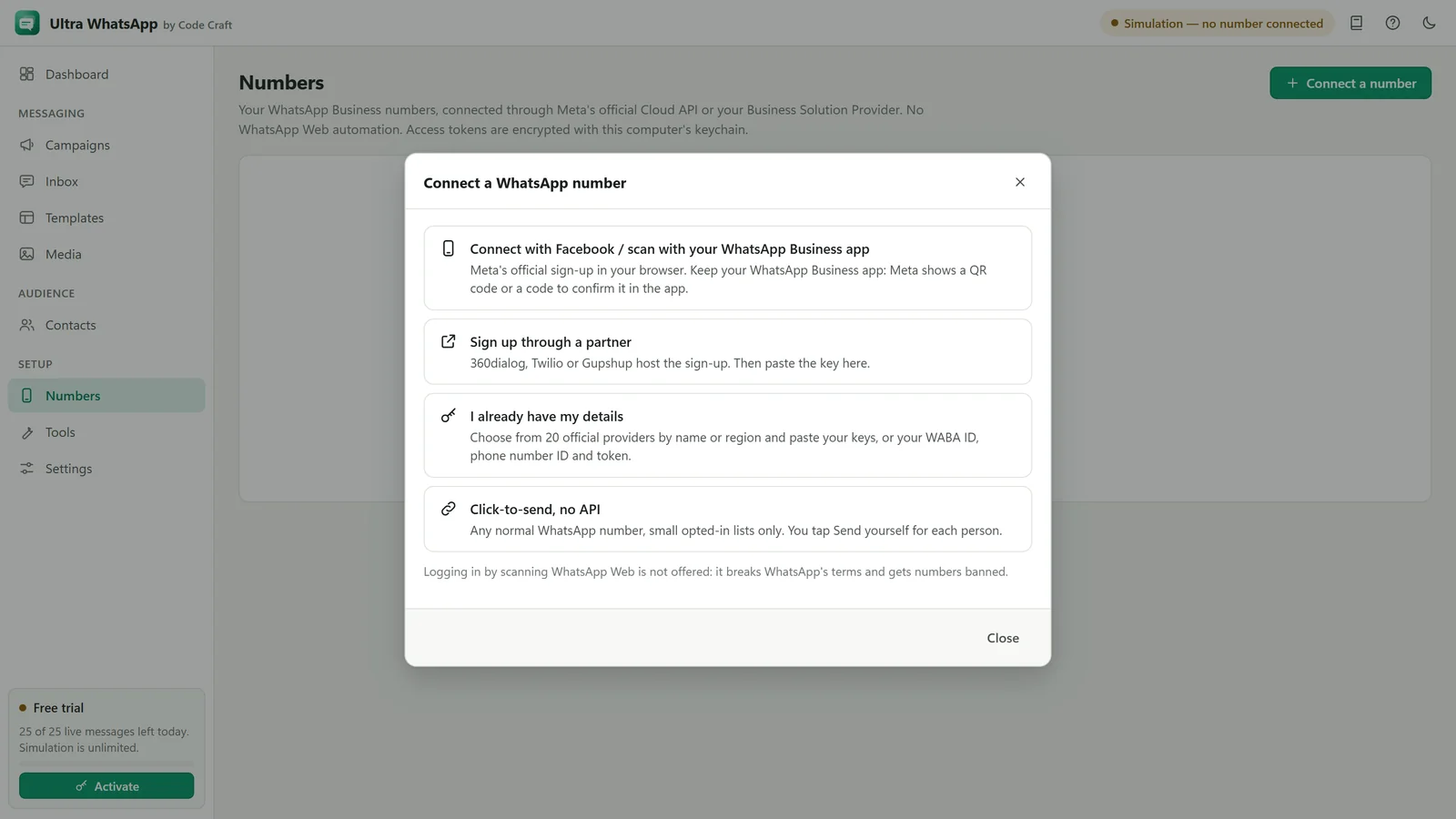
- Ultra WhatsAppWhatsApp Cloud API Setup: Meta and BSPsConnect a WhatsApp Business number through Meta or one of 18 named providers, with a token or key and a webhook.Open
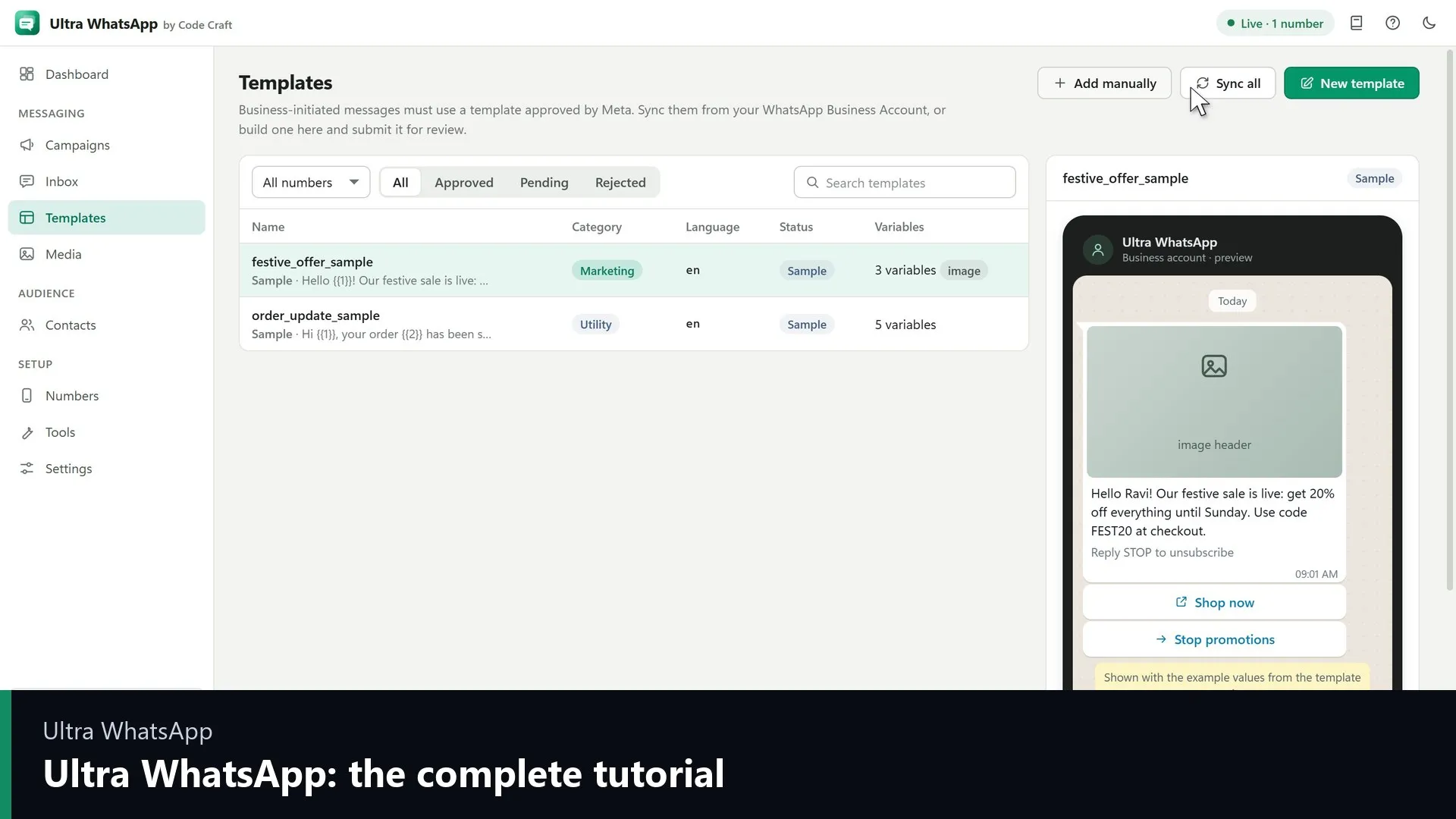
- Ultra WhatsAppWhatsApp Cloud API Tutorial: Setup VideosGetting started with Ultra WhatsApp, connecting a business number and your first campaign, with transcripts.Open
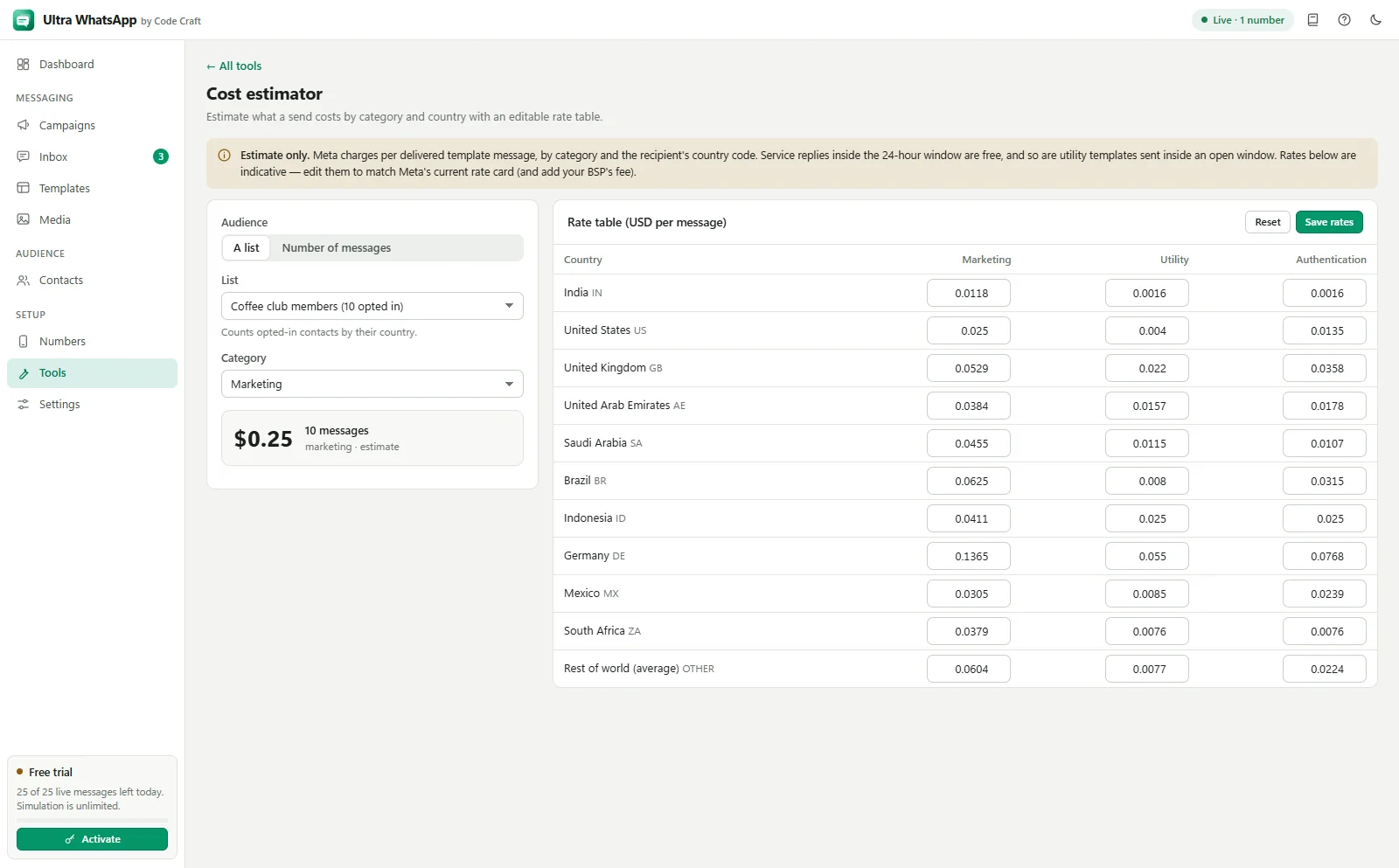
- Ultra WhatsAppWhatsApp Template Preview and App ToolsTry the WhatsApp template preview on this page, then see the tools inside Ultra WhatsApp: compliance checker, cost estimator, number validator and list cleaner.Open
- Ultra WhatsAppBulk WhatsApp Sender FAQ: API and CostThe official Cloud API, templates, the 24-hour window, what Meta charges, messaging limits, opt-in, the free trial and the licence.Open