Features
WhatsApp Business API bulk messaging: what Ultra WhatsApp does, and what it does not
Four areas. The limits are listed at the bottom so nothing surprises you after you buy.
Numbers and setup
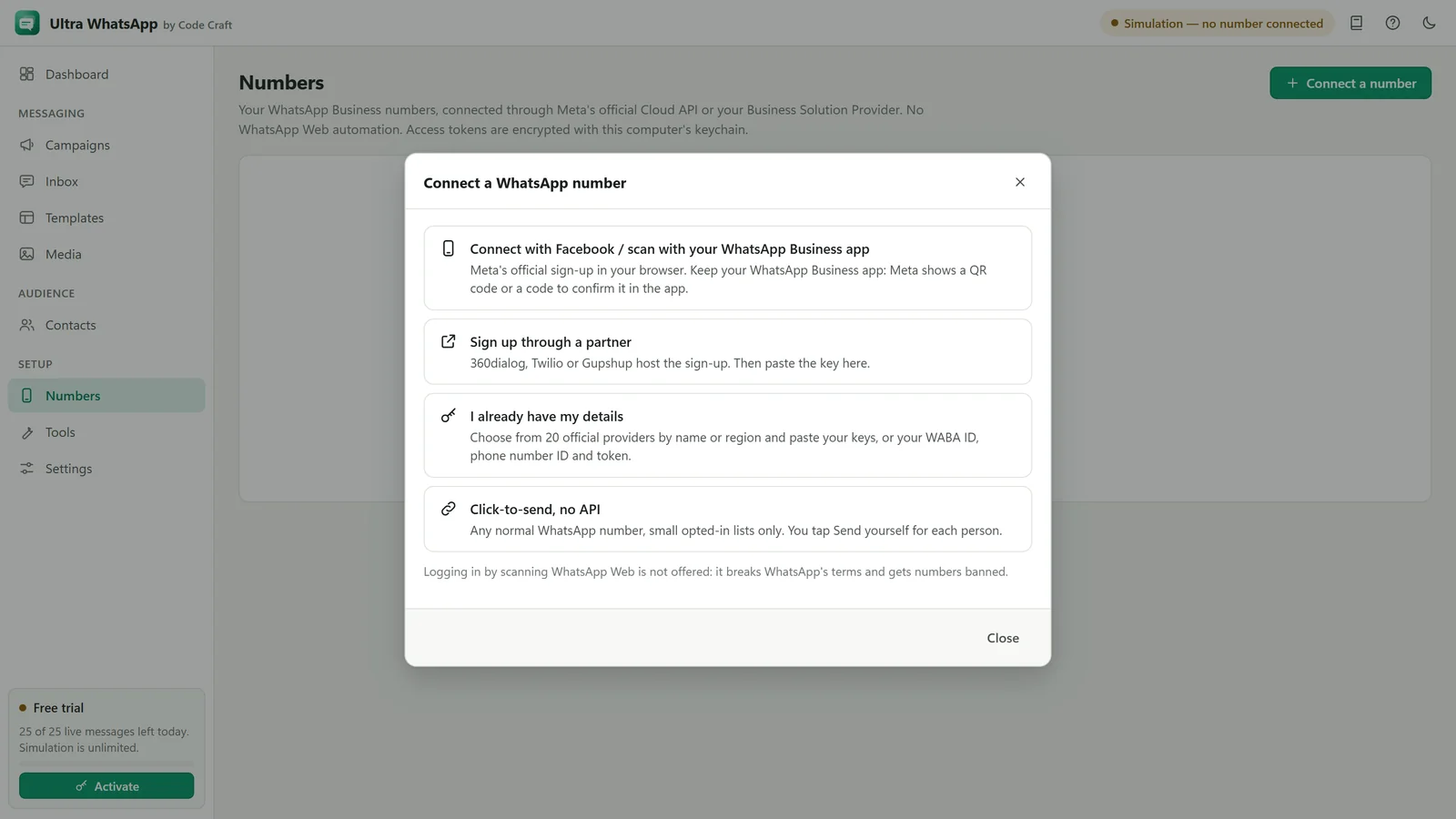
Connect your WhatsApp Business number through Meta or a provider.
- Meta Cloud API, direct
- Phone number ID, WhatsApp Business Account ID and a permanent system-user token. No middleman fee.
- 18 named providers
- Grouped by region, such as 360dialog, Twilio, Gupshup, Infobip, WATI, Interakt, AiSensy and Unifonic, plus a Custom HTTP API for any other.
- Partner sign-up
- Open the hosted sign-up at 360dialog, Twilio or Gupshup from the app, then paste your key.
- Click-to-send, no API
- Any normal WhatsApp number, small opted-in lists only. Each chat opens with the message filled in, and you tap Send yourself. Nothing is sent for you.
- In-app setup guide
- Every step on Meta's side explained in order, with checks that each value works.
- Several numbers
- Connect more than one number and choose which sends each campaign.
- Messaging limit
- Reads the number's current limit and quality rating.
- Test send
- Send a template to your own number before any campaign.
Templates
The messages Meta has approved, ready to send.
- Sync approved templates
- Names, languages, categories and approval status from your account.
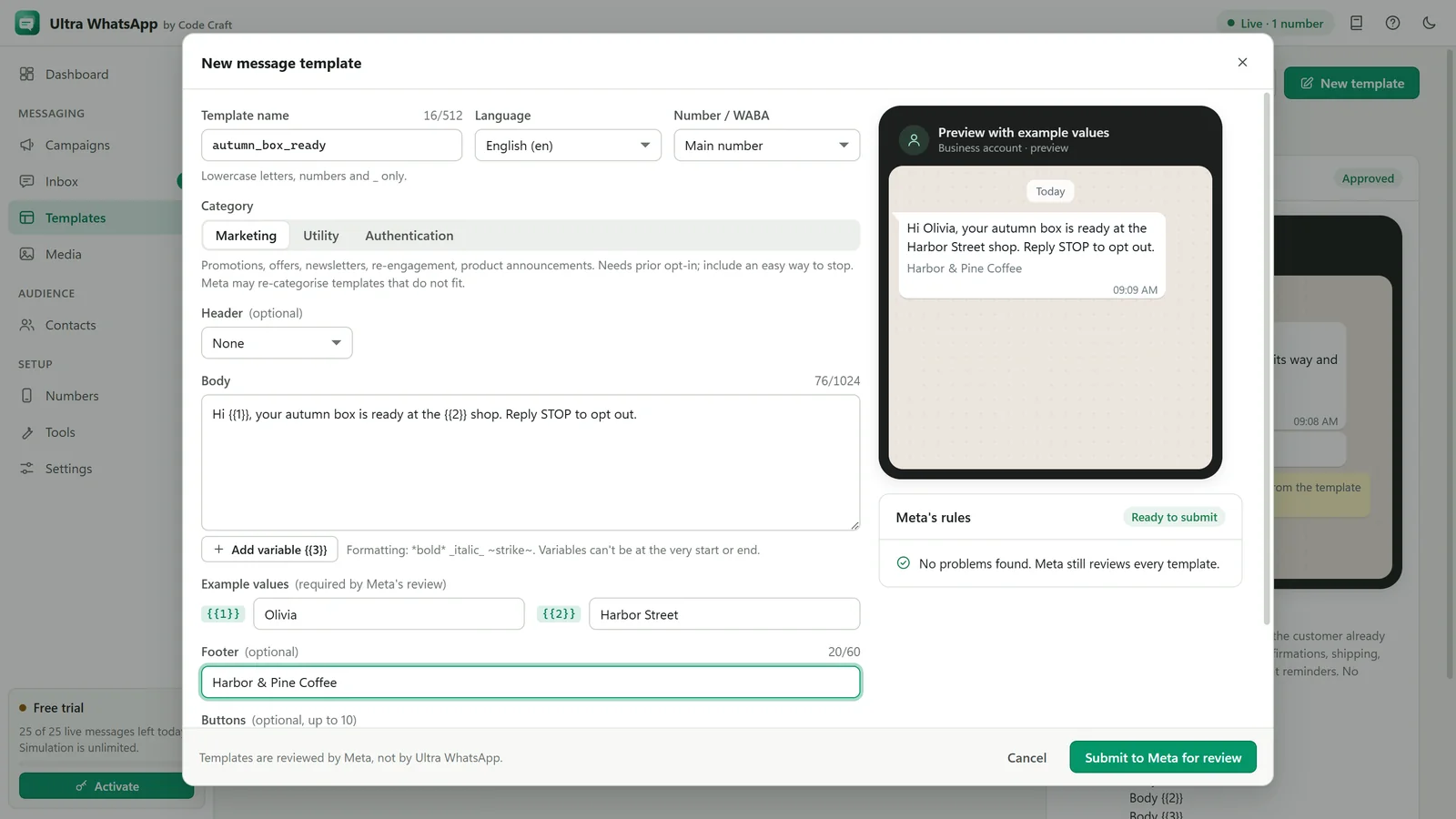
- Create and submit
- Write a template with header, body, footer and buttons, and submit it to Meta for approval.
- Variables
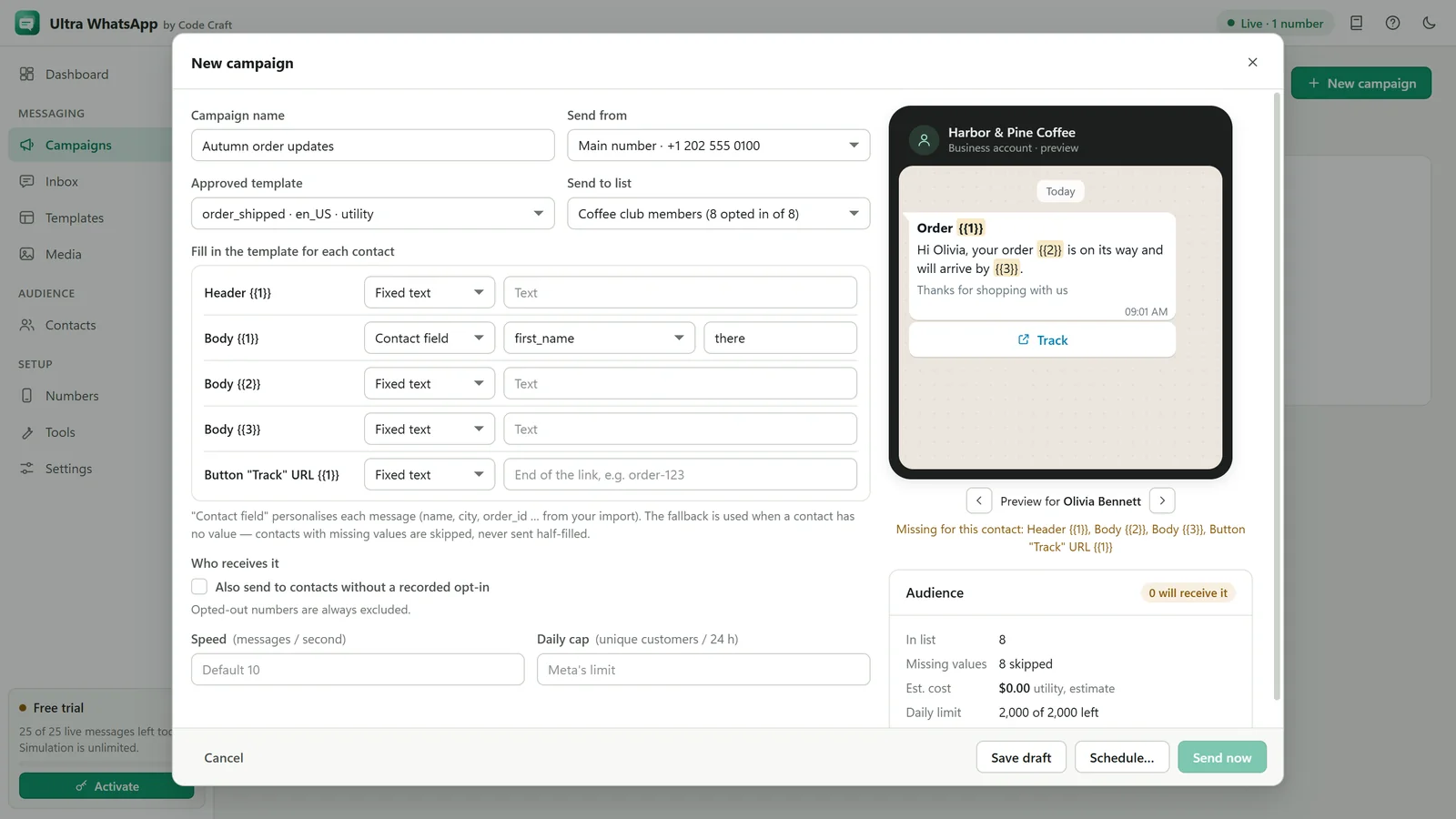
- Map {{1}}, {{2}} to columns or fixed values, checked against the template's count.
- Media headers
- Attach the image, video or document for templates with a media header.
- Buttons
- Quick replies, links and phone-number buttons as approved.
- Preview bubble
- See the message as it will appear, with real values.
Contacts and campaigns
Only opted-in people, at a pace Meta accepts.
- CSV and Excel import
- Numbers cleaned to international format; other columns become variables.
- Opt-in records
- When and where each contact agreed. Contacts without opt-in, or who opted out, are skipped.
- Throttling by tier
- Speed set under your messaging limit, or slower if you choose.
- Scheduling
- Pick a date and time; change or cancel until it starts.
- 24-hour window rule
- Free-form replies only inside the customer service window; templates outside it.
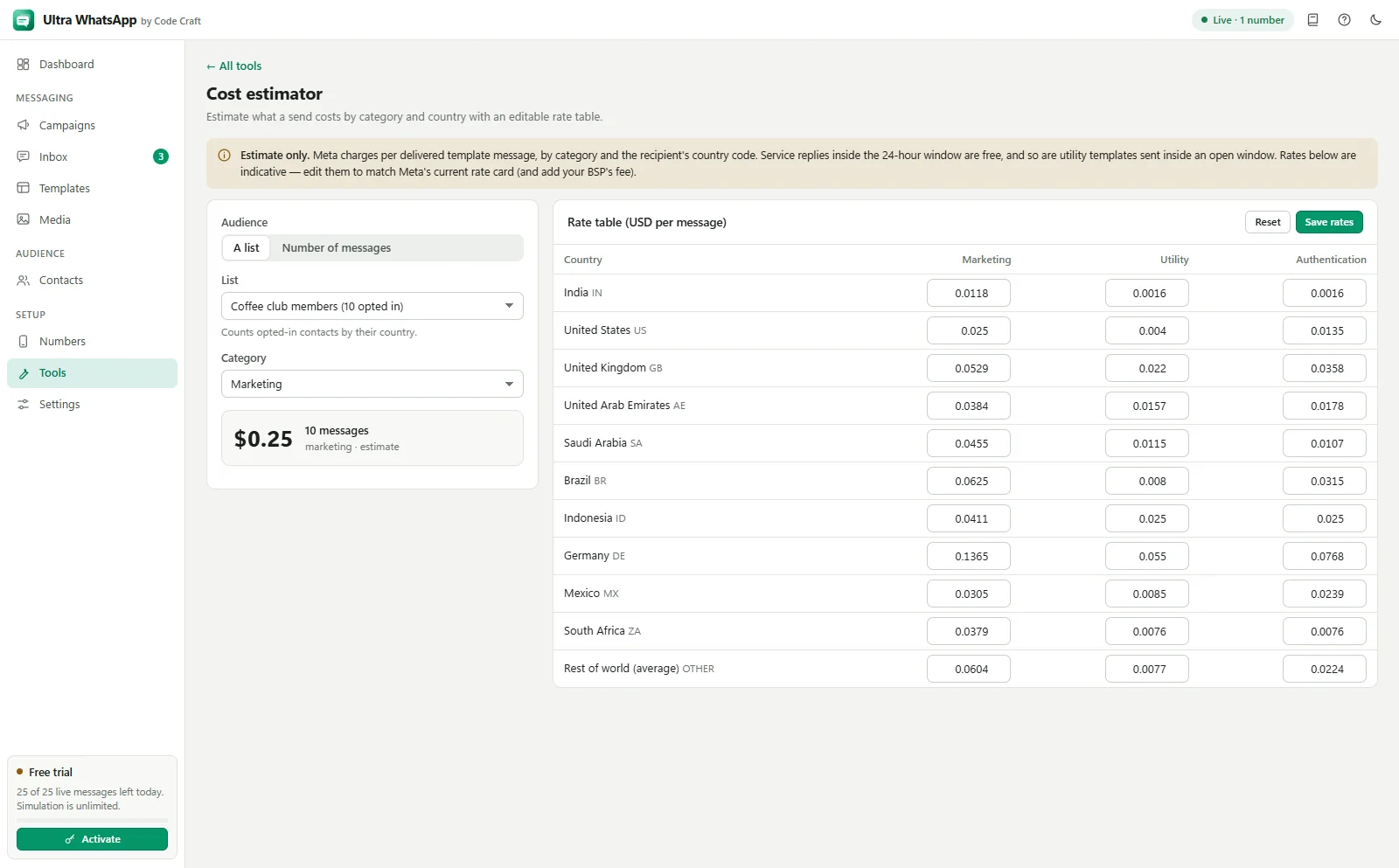
- Cost estimate
- Recipients by country and template category, at the rates you enter.
Reports and inbox
Know the outcome, and answer the replies.
- Message statuses
- Sent, delivered, read and failed for each contact.
- Plain-language error codes
- Meta's codes explained, with the fix.
- Webhook inbox
- Replies arrive through your webhook and appear in one inbox, ready to answer within 24 hours.
- Campaign totals
- Delivered, read and failed counts per campaign, exportable to CSV.
- Compliance checker
- Template text checked against Meta's length and variable rules, with opt-out wording, link shorteners and spammy phrases flagged before you submit.
- List cleaner
- Opted-out, no-opt-in, landline, invalid and previously undeliverable numbers found and removed from a list before you send.
The official API, and what that means
Some bulk WhatsApp tools drive WhatsApp Web or a phone. Ultra WhatsApp does not, on purpose.
No bans for automation
Automating WhatsApp Web or a personal account breaks WhatsApp's terms and gets numbers banned. Ultra WhatsApp uses Meta's own Business API with your own token.
Meta's rules still apply
Templates must be approved, contacts must have opted in, and Meta limits how many people you can start conversations with each day. Your number can still be restricted if people block or report you.
Meta charges for templates
Meta bills template messages to you directly, at its rates for each category and country. Ultra WhatsApp adds no per-message fee.
One licence for the software
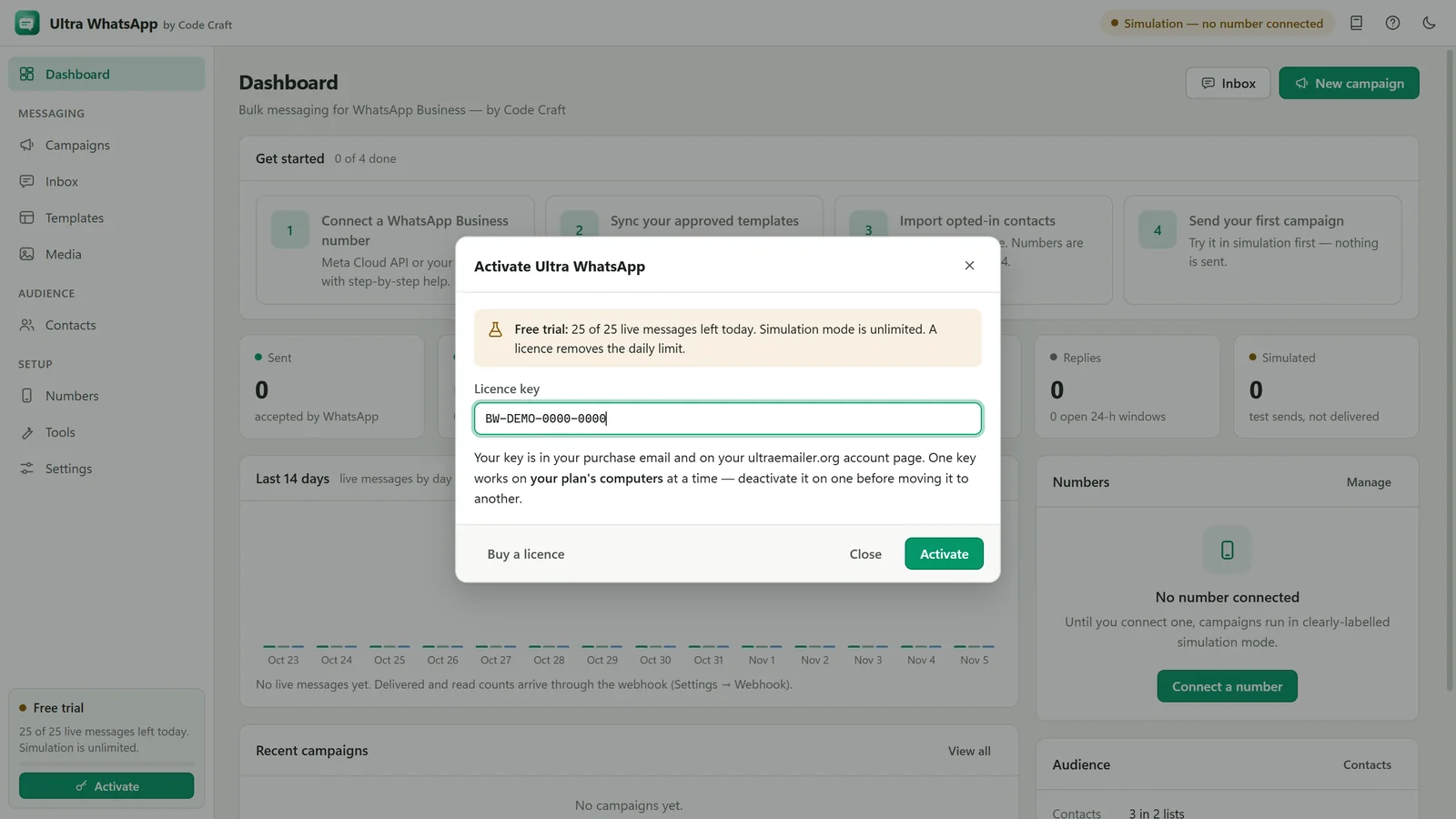
From $29 a month, $79 a year or $199 once: 1 device on Starter, 3 on Business, 10 on Agency. No fee per message or per contact.
Limits, stated plainly
- Campaigns need a Meta business portfolio and a phone number registered with the Cloud API. A normal WhatsApp number can only use click-to-send, where you tap Send yourself.
- Messages to people who have not written to you in 24 hours must use an approved template.
- Delivery statuses and replies need the webhook to be reachable at a public HTTPS address.
- Meta may hold back marketing messages to people who receive many of them (error 131049).
- No group messages, status posts or contacts who have not opted in.
- Scheduled campaigns send only while the app is running.
WhatsApp is a trademark of Meta Platforms, Inc. Ultra WhatsApp is an independent product by Code Craft and is not affiliated with or endorsed by Meta.
Related guides and pages
Where to go next: guides, setup steps and the pages people read alongside this one.
- Ultra WhatsAppWhatsApp Cloud API Setup: Meta and BSPsConnect a WhatsApp Business number through Meta or one of 18 named providers, with a token or key and a webhook.Open
- Ultra WhatsAppWhatsApp Template Preview and App ToolsTry the WhatsApp template preview on this page, then see the tools inside Ultra WhatsApp: compliance checker, cost estimator, number validator and list cleaner.Open
- Ultra WhatsAppBulk WhatsApp Software Price: $79 a YearUltra WhatsApp is from $79 a year, $29 a month or $199 once, for 1, 3 or 10 devices, with a 15-day refund. Meta bills separately.Open
- Ultra WhatsApp manualWhatsApp Message Templates: Sync, Create, ApproveSync approved ones, write new ones with header, body, footer and buttons, and submit them for approval.Open
- Ultra WhatsApp manualSend a WhatsApp Broadcast Campaign, Step by StepPick a template, map variables, check the audience, keep under your limit, then send or schedule.Open
- Ultra WhatsAppBulk WhatsApp Sender FAQ: API and CostThe official Cloud API, templates, the 24-hour window, what Meta charges, messaging limits, opt-in, the free trial and the licence.Open