Download our apps
Bulk messaging apps for email, SMS and WhatsApp, side by side
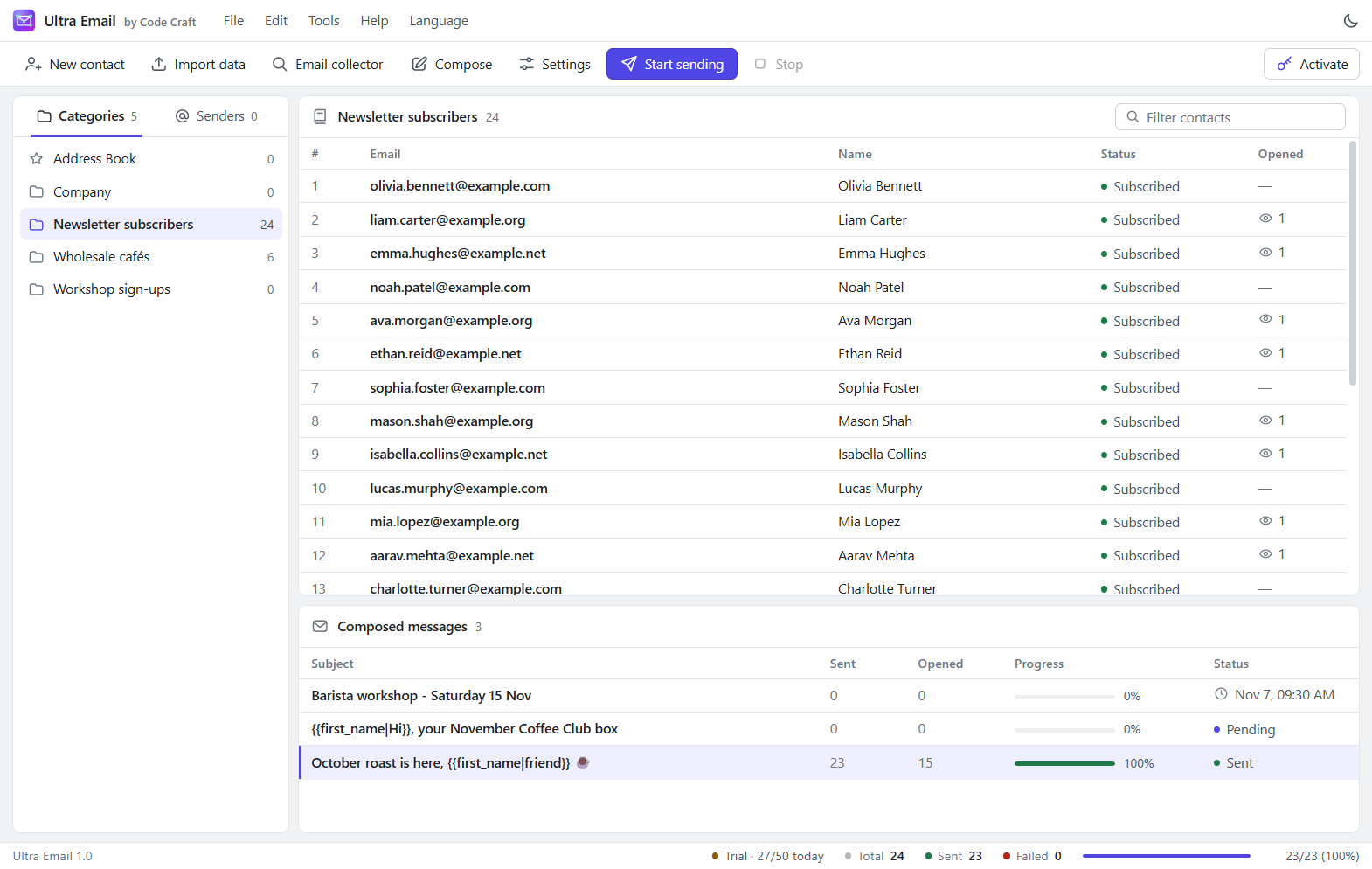
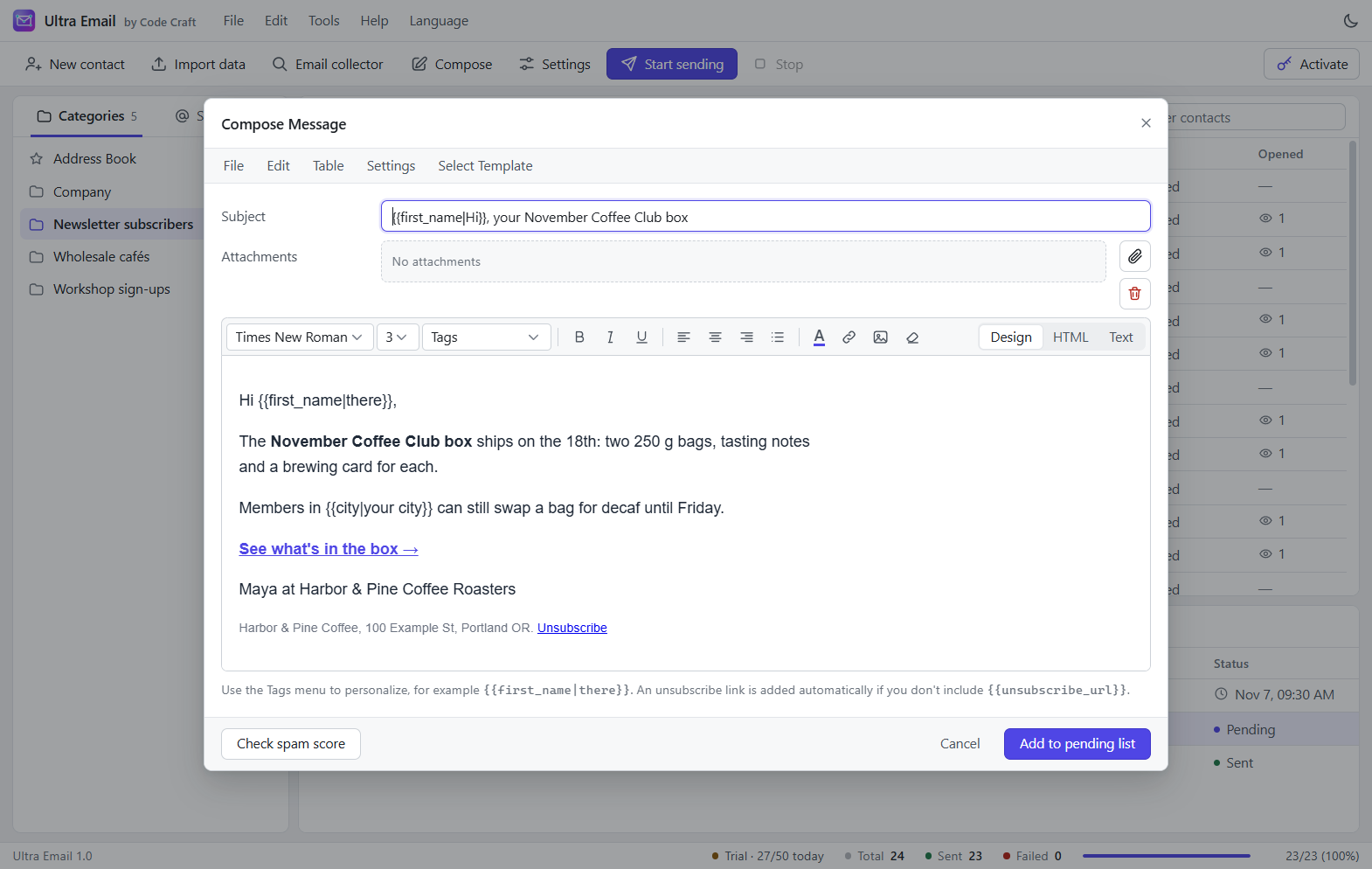
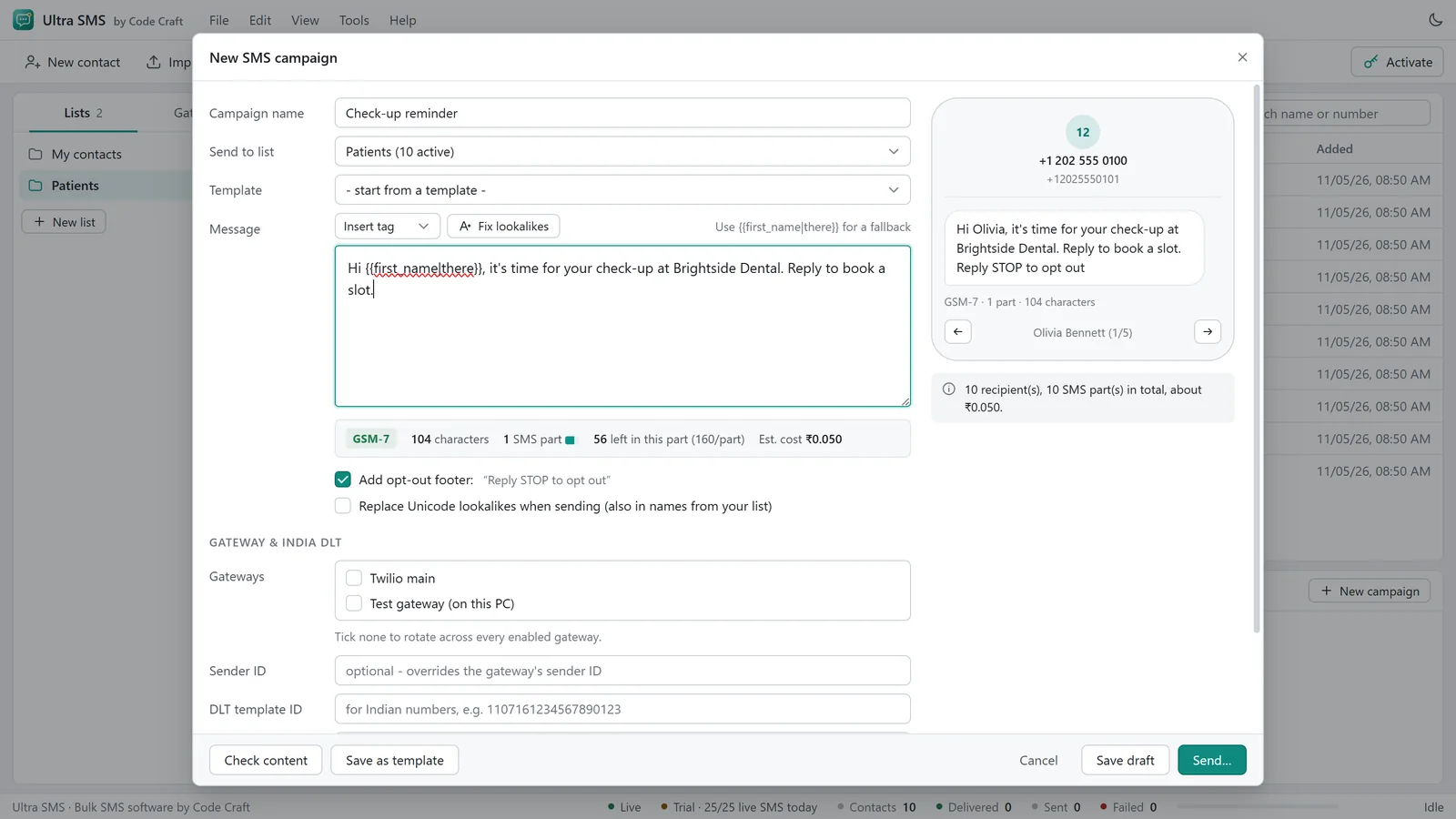
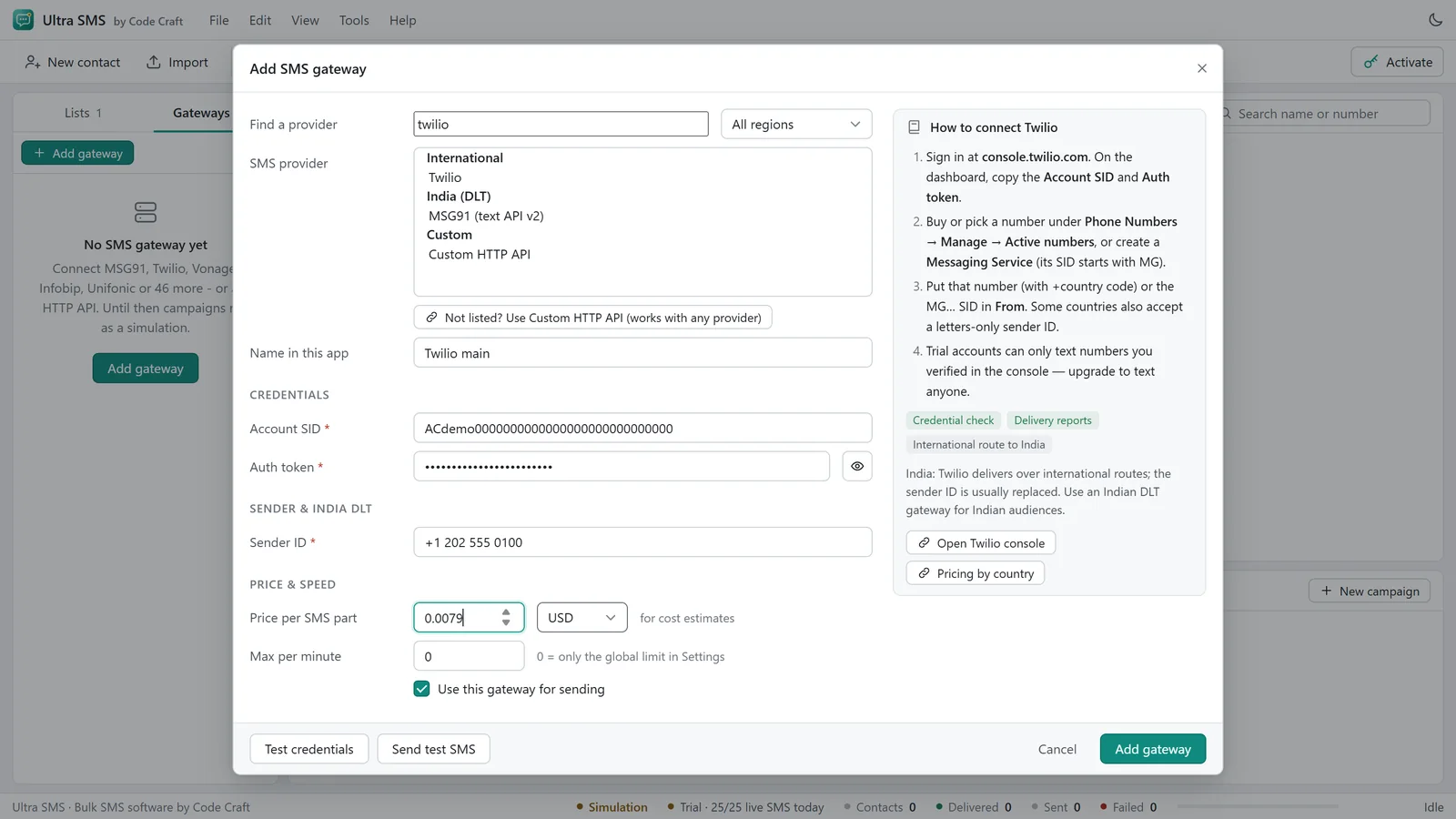
Ultra Email, Ultra SMS and Ultra WhatsApp are separate apps, each with its own free trial and licence key. Compare the real screens, the features and the platforms each one runs on.
Three apps, side by side
These are screenshots of the real apps. Your contacts stay on your own devices, and each app sends through accounts you already have.
Ultra Email
Bulk email software
Bulk email software for your own mailboxes. Free trial: 50 emails a day, no purchase needed.
Current version 1.0.1

Features
- Excel, CSV and clipboard import
- 100+ SMTP and API presets
- Sender rotation and rate limits
- Merge tags with fallbacks
- Campaign scheduling
- Open and click tracking
- One-click unsubscribe
- Spam, SPF, DKIM and DMARC checks
Platforms
- WindowsInstaller
Windows 10 or 11, 64-bit
- macOSApple SiliconIntel
macOS 12 or later
- LinuxAppImage
64-bit Linux with a desktop
- AndroidAPK
A recent Android phone or tablet
- iOSComing soon
Ultra SMS
Bulk SMS software
Bulk SMS software for the gateway you already use. Free trial: 25 SMS a day, no purchase needed.
Current version 1.0.0

Features
- 49 named SMS gateways
- E.164 phone number cleaning
- GSM and Unicode segment counter
- Campaign cost estimate
- India DLT fields
- Gateway rotation and quiet hours
- Opt-out list
- Delivery reports
Platforms
- WindowsInstaller
Windows 10 or 11, 64-bit
- macOSApple SiliconIntel
macOS 12 or later
- LinuxAppImage
64-bit Linux with a desktop
- AndroidAPK
A recent Android phone or tablet
- iOSComing soon
Ultra WhatsApp
Bulk WhatsApp sender software
Bulk messaging for WhatsApp Business, through the official Cloud API. Free trial: 25 messages a day, no purchase needed.
Current version 1.0.0


All Ultra WhatsApp screenshots
Features
- Official WhatsApp Business Cloud API
- Template sync and creation
- Variable mapping and media headers
- Opt-in records
- Throttling to your messaging limit
- Sent, delivered, read and failed statuses
- Plain-language error codes
- Webhook replies inbox
Platforms
- WindowsInstaller
Windows 10 or 11, 64-bit
- macOSApple SiliconIntel
macOS 12 or later
- LinuxAppImage
64-bit Linux with a desktop
- AndroidAPK
A recent Android phone or tablet
- iOSComing soon
Before you install
What to expect on each platform, so a system warning does not surprise you.
Windows
The Windows installers are new and not code-signed yet. If Windows says "Windows protected your PC", click More info, then Run anyway.
macOS
The Mac builds are unsigned. Open the .dmg and drag the app into Applications. On first launch, right-click the app, choose Open, then Open.
Linux
Ultra Email, Ultra SMS and Ultra WhatsApp has a Linux AppImage: make it executable with chmod +x, then run it.
Android
Open the downloaded APK and allow installs from this source when Android asks. The Ultra Email mobile app sends through email API services such as Brevo, SendGrid, Mailgun, Resend, Amazon SES or Postmark.
iOS
The iOS apps for Ultra Email, Ultra SMS and Ultra WhatsApp are coming soon and cannot be installed yet. Use the desktop or Android apps for now.
Installers are downloaded straight from this site.