Chapter 10
Webhook and inbox
Meta sends delivery statuses and customers' replies to a webhook: a public HTTPS address. Ultra WhatsApp has a built-in webhook receiver on your computer; a secure tunnel (for example a free Cloudflare quick tunnel or ngrok) gives it a public address.
- In Ultra WhatsApp open Settings, Webhook & replies, and click Start receiver (port 8089 by default).
- Run
cloudflared tunnel --url http://localhost:8089(orngrok http 8089) and paste the https address it prints into Your public URL. - In your Meta app (WhatsApp, Configuration, Webhook, Edit) enter the Callback URL the app shows (your address +
/webhook) and the same Verify token, and click Verify and save. - Subscribe to the messages field. Paste your Meta App Secret into the app so posts without Meta's signature are rejected, then click Self-test.
- Replies now appear in the Inbox, with the time left in each 24-hour window, and you can answer inside it.
For 360dialog and Gupshup, set the same …/webhook address as the callback URL in the provider's dashboard; for Twilio use the …/twilio address. Vonage, Sinch, Telnyx, CM.com, Interakt, Kaleyra, Route Mobile, Unifonic and D7 Networks can send delivery statuses to a separate address that the app shows when you connect that provider. Replies from those providers stay in their own dashboards.
If the webhook is not reachable, messages still send, but statuses and replies do not reach Ultra WhatsApp until it is. Quick tunnels get a new address each time they start.
Related guides and pages
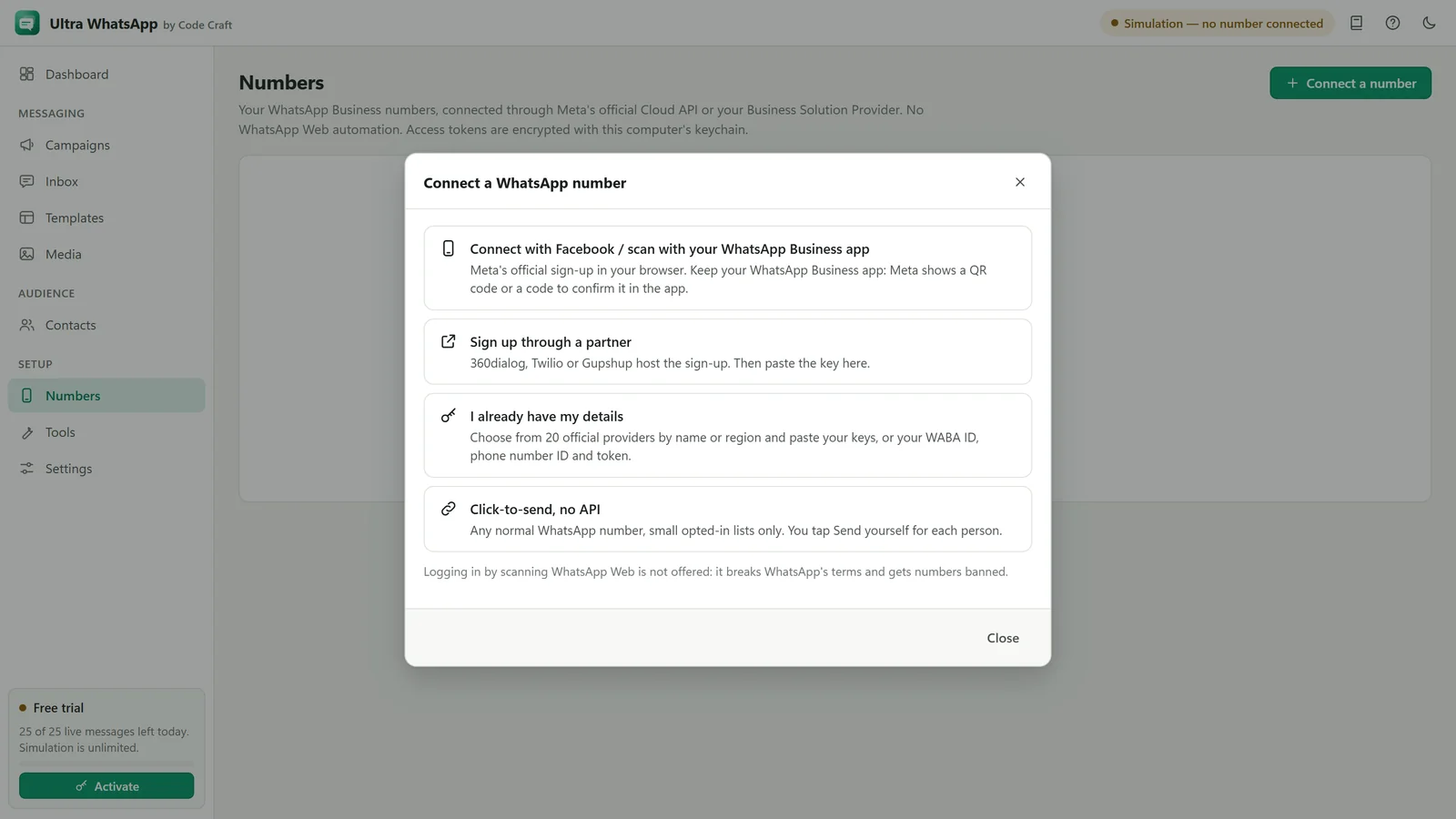
- Ultra WhatsAppWhatsApp Cloud API Setup: Meta and BSPsConnect a WhatsApp Business number through Meta or one of 18 named providers, with a token or key and a webhook.Open
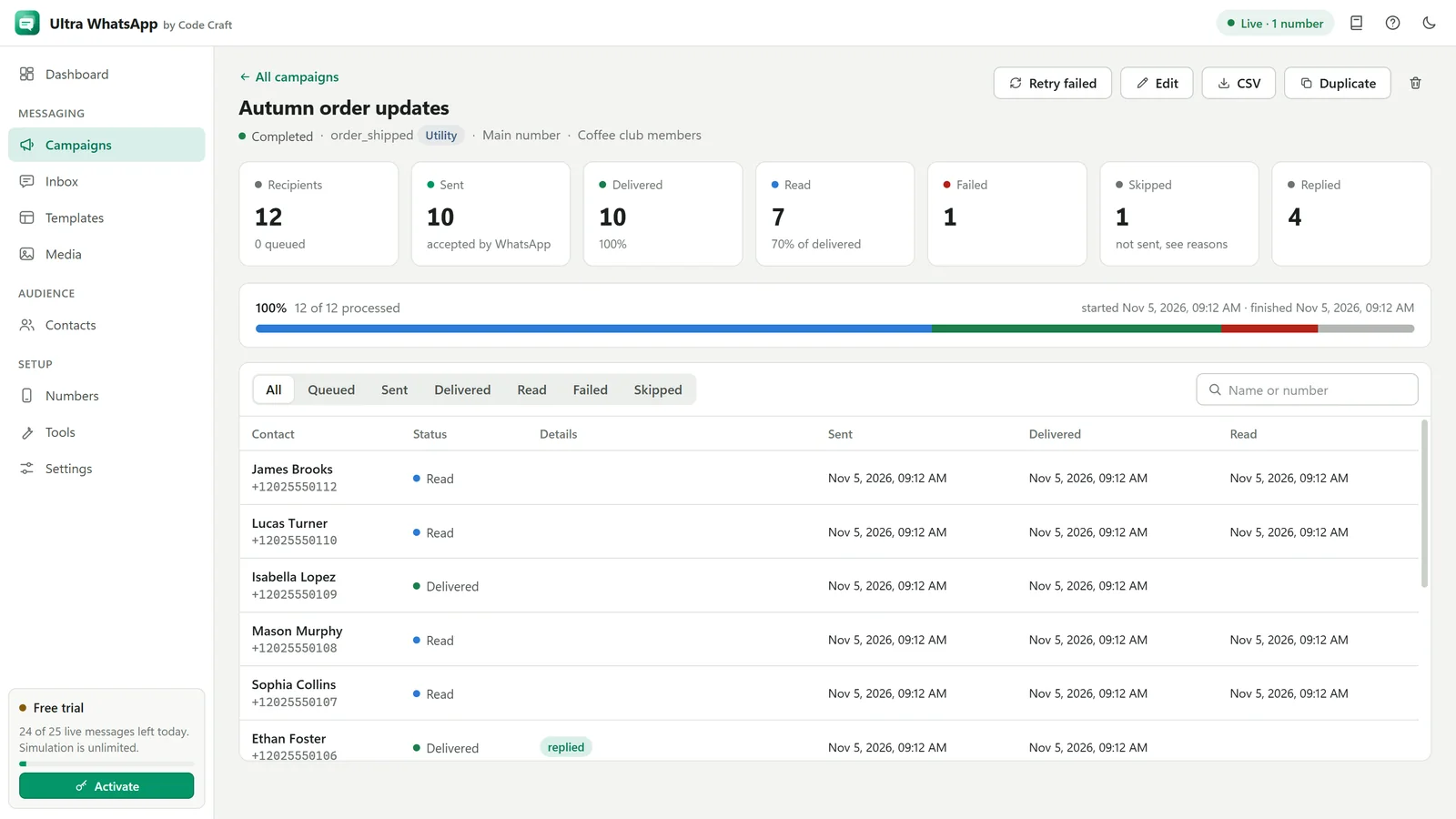
- Ultra WhatsApp manualWhatsApp Error Codes and Message Statuses131047, 131026, 131049 and others, what sent, delivered, read and failed mean, and how to fix each one.Open
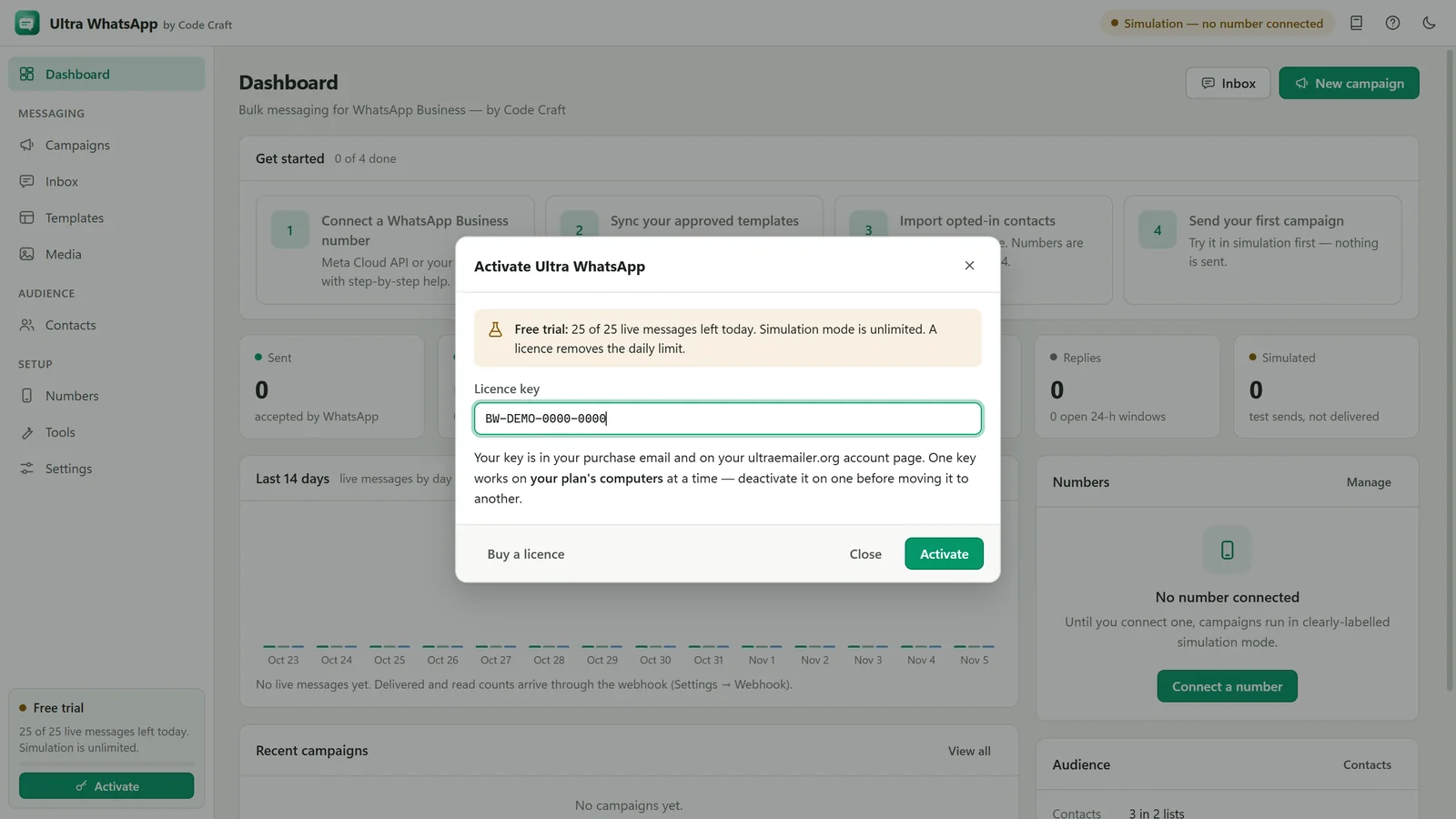
- Ultra WhatsAppBulk WhatsApp Software Price: $79 a YearUltra WhatsApp is from $79 a year, $29 a month or $199 once, for 1, 3 or 10 devices, with a 15-day refund. Meta bills separately.Open
- Ultra WhatsAppBulk WhatsApp Sender FAQ: API and CostThe official Cloud API, templates, the 24-hour window, what Meta charges, messaging limits, opt-in, the free trial and the licence.Open