India gateways (DLT) · India and Southeast Asia
Exotel bulk SMS setup for Ultra SMS
A cloud communications platform for calls and SMS, used widely by Indian businesses.
What Ultra SMS asks for
| API key and API token | Exotel dashboard, Settings, API settings. |
|---|---|
| Account SID | Same page. |
| Cluster | Mumbai (api.in.exotel.com) or Singapore (api.exotel.com), as shown on the API settings page. |
| SMS type | Transactional, Transactional (opt-in) or Promotional. |
| Sender, Entity ID and Template ID | Your ExoPhone or DLT header, and your DLT IDs. |
Steps
- Sign in to Exotel and open Settings, API settings.
- Copy the API key, API token and Account SID, and note your cluster.
- Make sure your DLT Entity ID and templates are registered.
- In Ultra SMS add a gateway, choose Exotel, and paste the values.
- Send a test message with an approved template.
Good to know
- Sending to Indian numbers needs DLT registration: your Entity ID, an approved sender ID (header) and the Template ID of an approved content template. Ultra SMS has fields for all three. See the India DLT chapter of the manual.
Before you send through Exotel
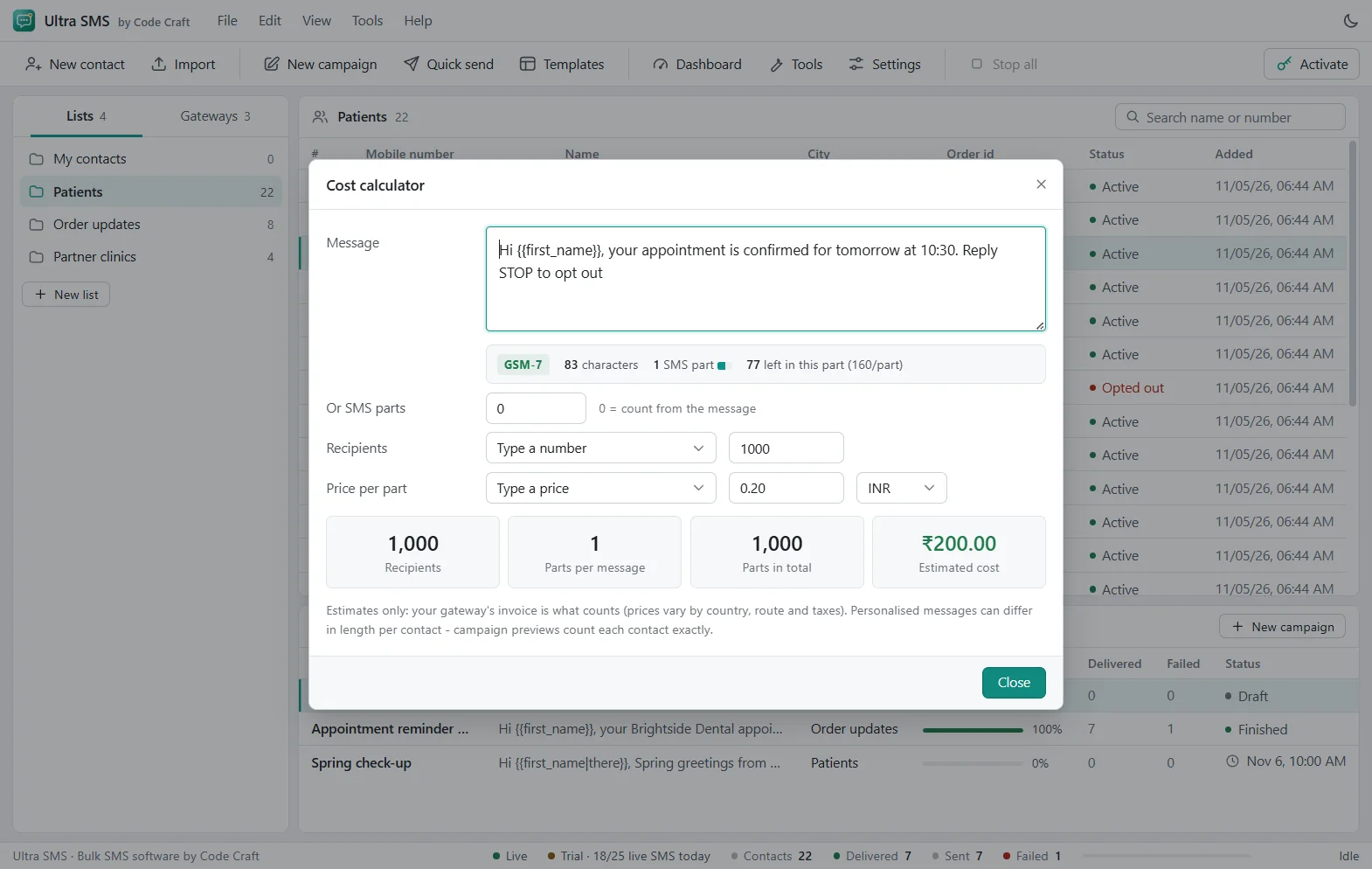
Sending to Indian numbers needs DLT registration whichever gateway you use: your entity, approved sender IDs and approved templates, added to Ultra SMS so each message carries them. Exotel charges per message segment at its own rates, so check the segment counter and the cost estimate before you start. Use Test credentials first, then send one real test to your own phone.
Dashboards change their menus from time to time; if a label differs, look for the API keys or developer section. Stuck? See the Ultra SMS troubleshooting table, the Ultra SMS user guide, or contact us.
Related guides and pages
- Ultra SMS setupKaleyra Bulk SMS Setup: API Keys and StepsThe values to copy from your Kaleyra account, where to find them, India DLT fields, and the steps to send a test.Open
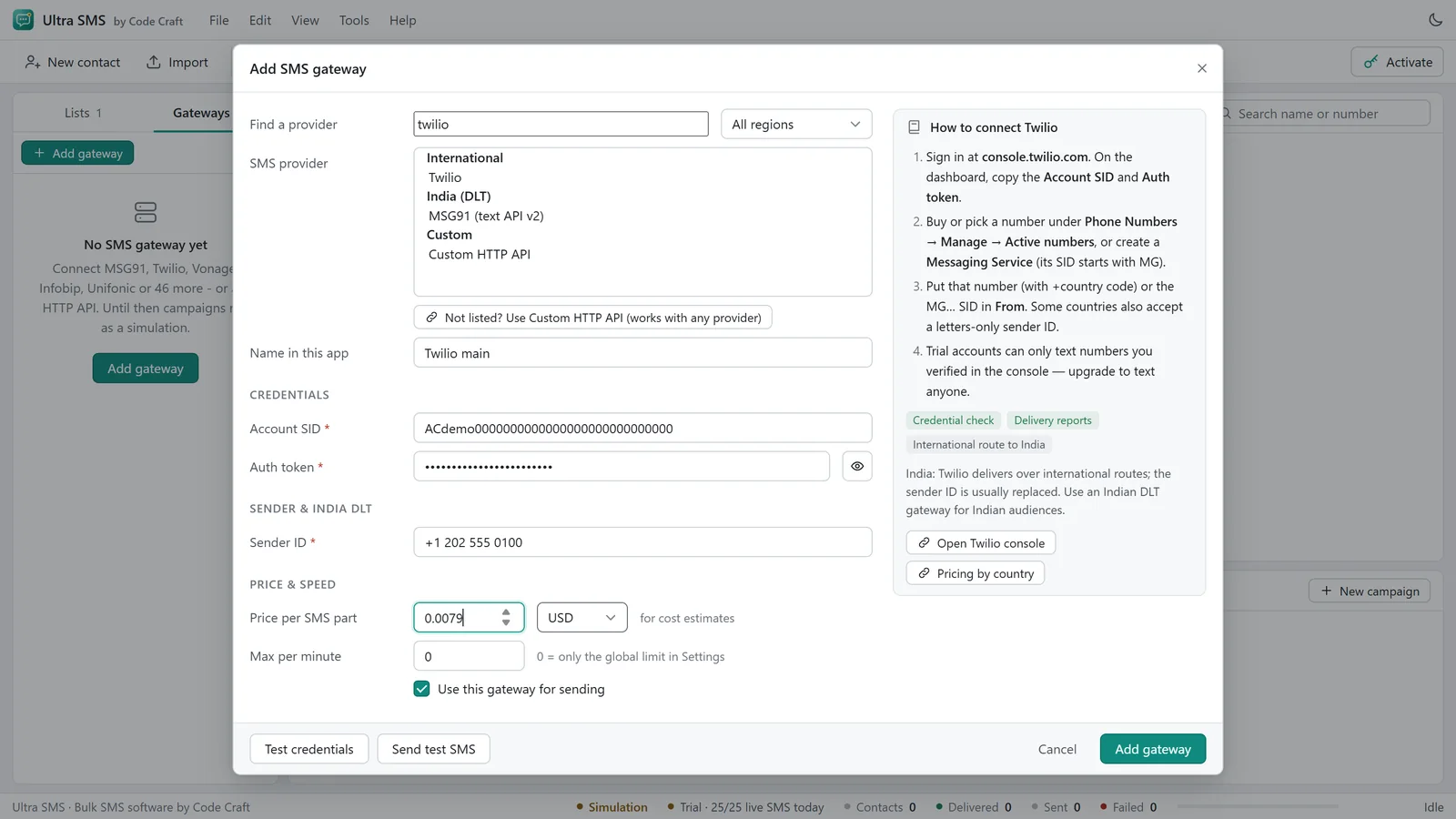
- Ultra SMS setupSMSGatewayHub Bulk SMS Setup: API Keys and StepsThe API key from API Settings, your channel, India DLT fields, and the steps to send a test with a template.Open
- Ultra SMS setupTextlocal Bulk SMS Alternative After ClosureThe service closed on 31 July 2026. Move your DLT entity, headers and templates to another gateway in Ultra SMS, step by step.Open
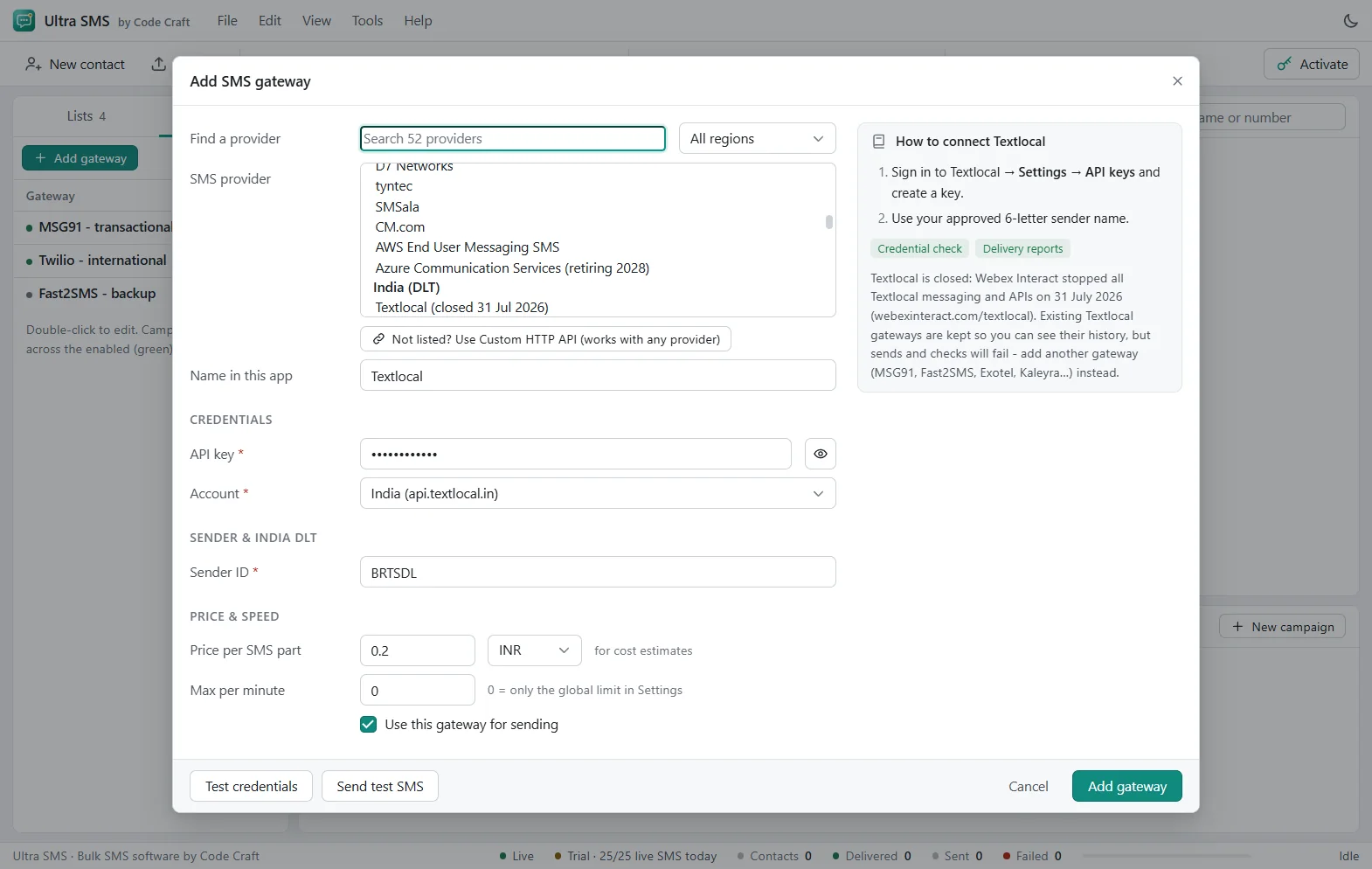
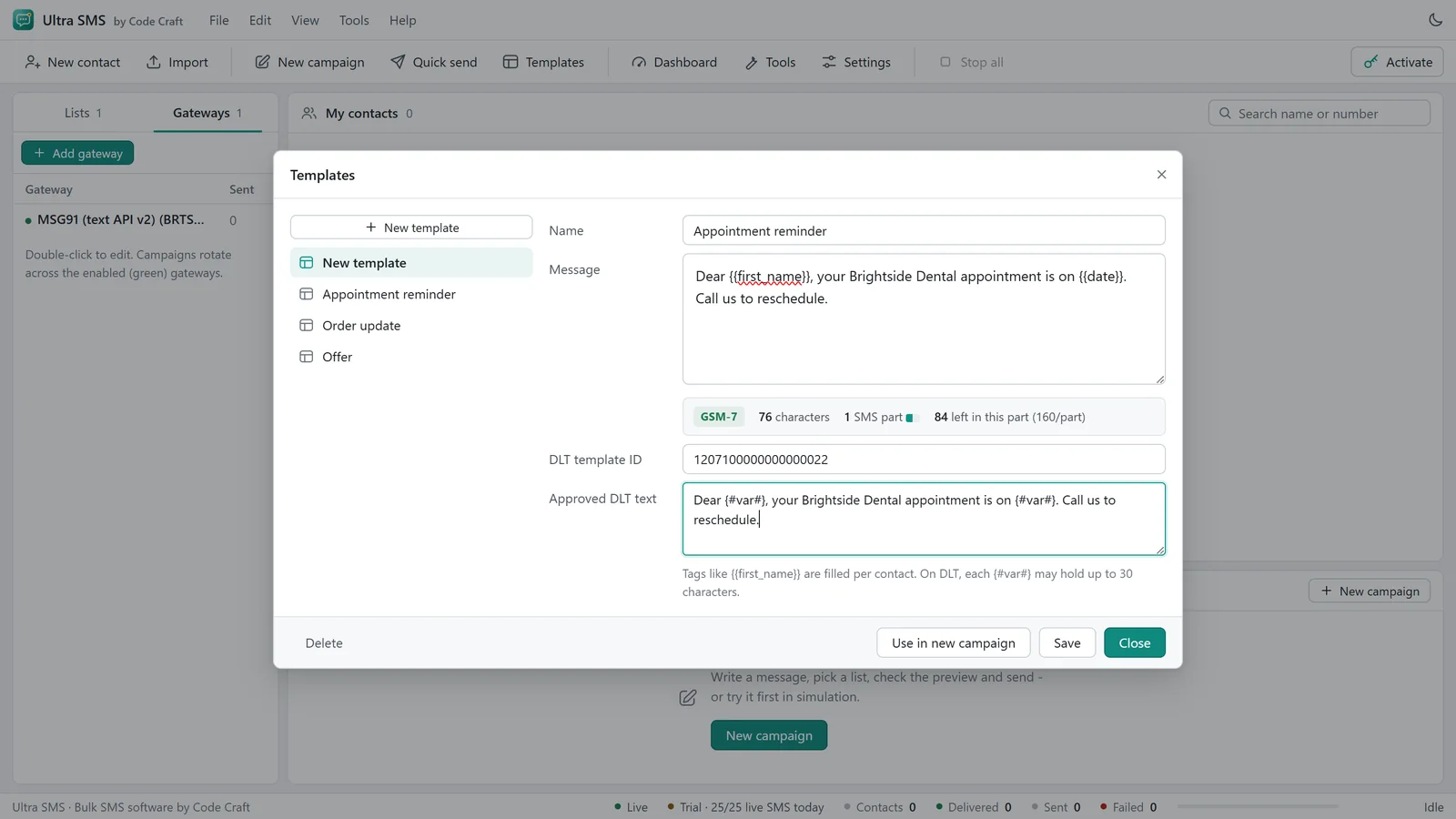
- Ultra SMS manualBulk SMS Software India DLT: Entity and TemplateRegistering your entity, headers and templates, where the Entity ID and Template ID go, and how the template check works.Open
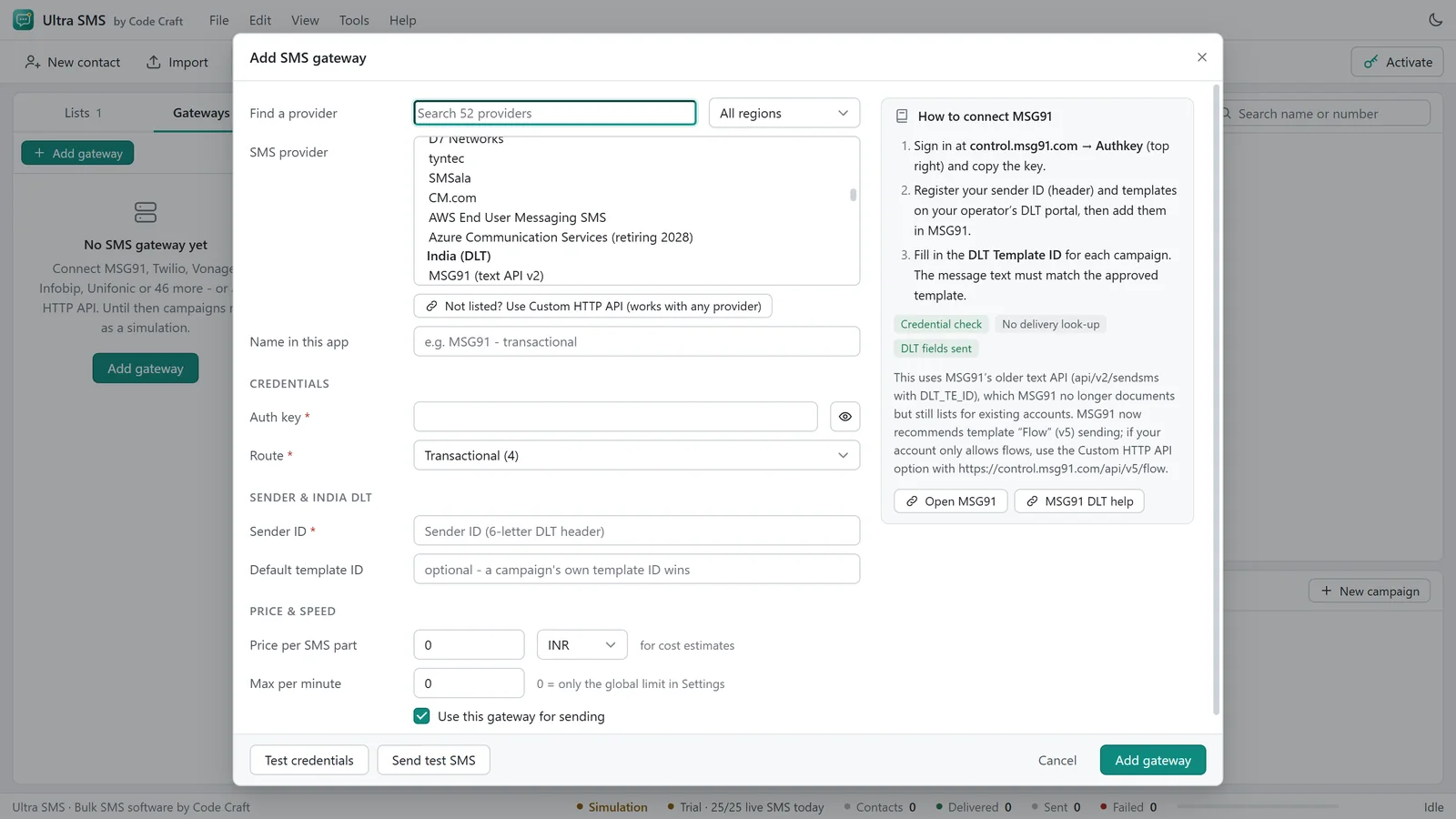
- Ultra SMS manualConnect an SMS Gateway API and Test the LoginPick a gateway, paste the key, use Test credentials without sending, then send one real test to your own phone.Open
- Ultra SMSSMS Segment Calculator and Number ValidatorTry the SMS segment calculator on this page, then see the tools in Ultra SMS: number validator, list cleaner, encoding fixer, compliance and cost checks.Open
- Ultra SMSBulk SMS Software Price: From $79 a YearUltra SMS is from $79 a year, $29 a month or $199 once, for 1, 3 or 10 devices, with a 15-day refund. Your gateway bills each SMS.Open
Ultra SMS is not affiliated with any SMS gateway named on this site. Gateway names are trademarks of their owners.