Global gateways · Global
Routee bulk SMS setup for Ultra SMS
A messaging platform that signs in with an application ID and secret.
What Ultra SMS asks for
| Application ID | go.routee.net, Applications. |
|---|---|
| Application secret | Same page: click the lock icon next to Application Secret and confirm your password to reveal it. |
| From | Up to 11 letters or 16 digits. |
Steps
- Sign in at go.routee.net and open Applications.
- Copy the Application Id.
- Click the lock icon next to Application Secret and confirm your password to reveal it.
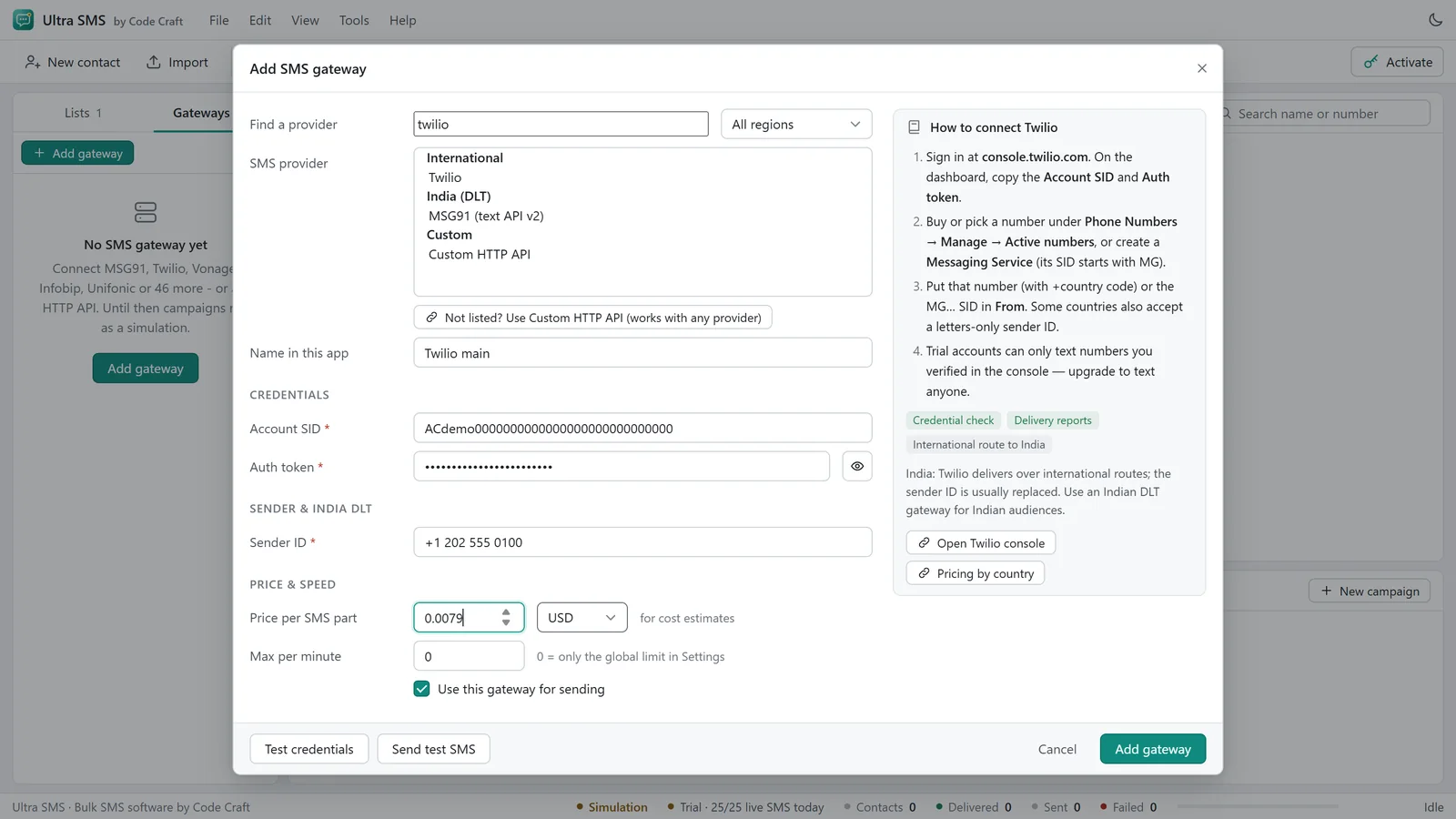
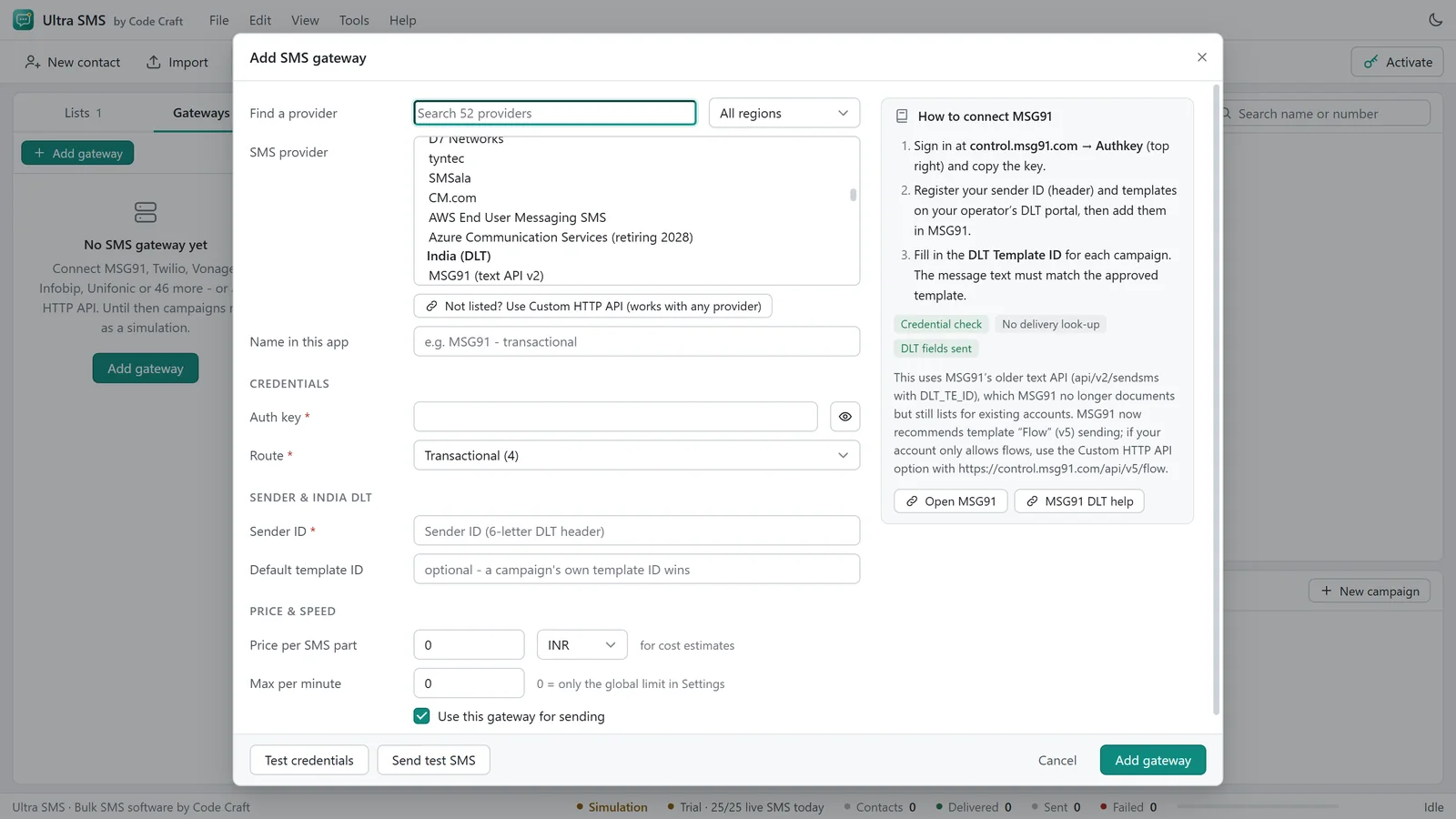
- In Ultra SMS open the Gateways tab, click Add gateway, choose Routee, and paste both values and set the From value. Click Test credentials (it sends nothing).
- Send a test message to your own phone before you start a campaign.
Good to know
- This gateway has no delivery look-up in Ultra SMS, so its messages show as Sent, not Delivered. Check the gateway's own dashboard or reports for final delivery.
Before you send through Routee
Routee charges per message segment at its own rates, which depend on the destination country. Check that your sender is allowed in each country you text. Business traffic to the USA normally needs A2P 10DLC registration or a verified toll-free number, and India needs DLT registration. Use Test credentials first, then send one real test to your own phone.
Dashboards change their menus from time to time; if a label differs, look for the API keys or developer section. Stuck? See the Ultra SMS troubleshooting table, the Ultra SMS user guide, or contact us.
Related guides and pages
- Ultra SMS setupSMSAPI Bulk SMS Setup: API Keys and StepsThe values to copy from your SMSAPI account, where to find them, and the steps to send a test.Open
- Ultra SMS setupSMS.to Bulk SMS Setup: API Keys and StepsSMS.to bulk SMS setup for Ultra SMS: the values to copy from your SMS.to account, where to find them, and the steps to send a test.Open
- Ultra SMS setupMobivate Bulk SMS Setup: API Keys and StepsThe values to copy from your Mobivate account, where to find them, and the steps to send a test.Open
- Ultra SMS manualSMS Quiet Hours, Speed, Rotation, SchedulingPer-minute limits, gateway rotation, automatic retries and choosing a date and time for a campaign.Open
- Ultra SMS manualConnect an SMS Gateway API and Test the LoginPick a gateway, paste the key, use Test credentials without sending, then send one real test to your own phone.Open
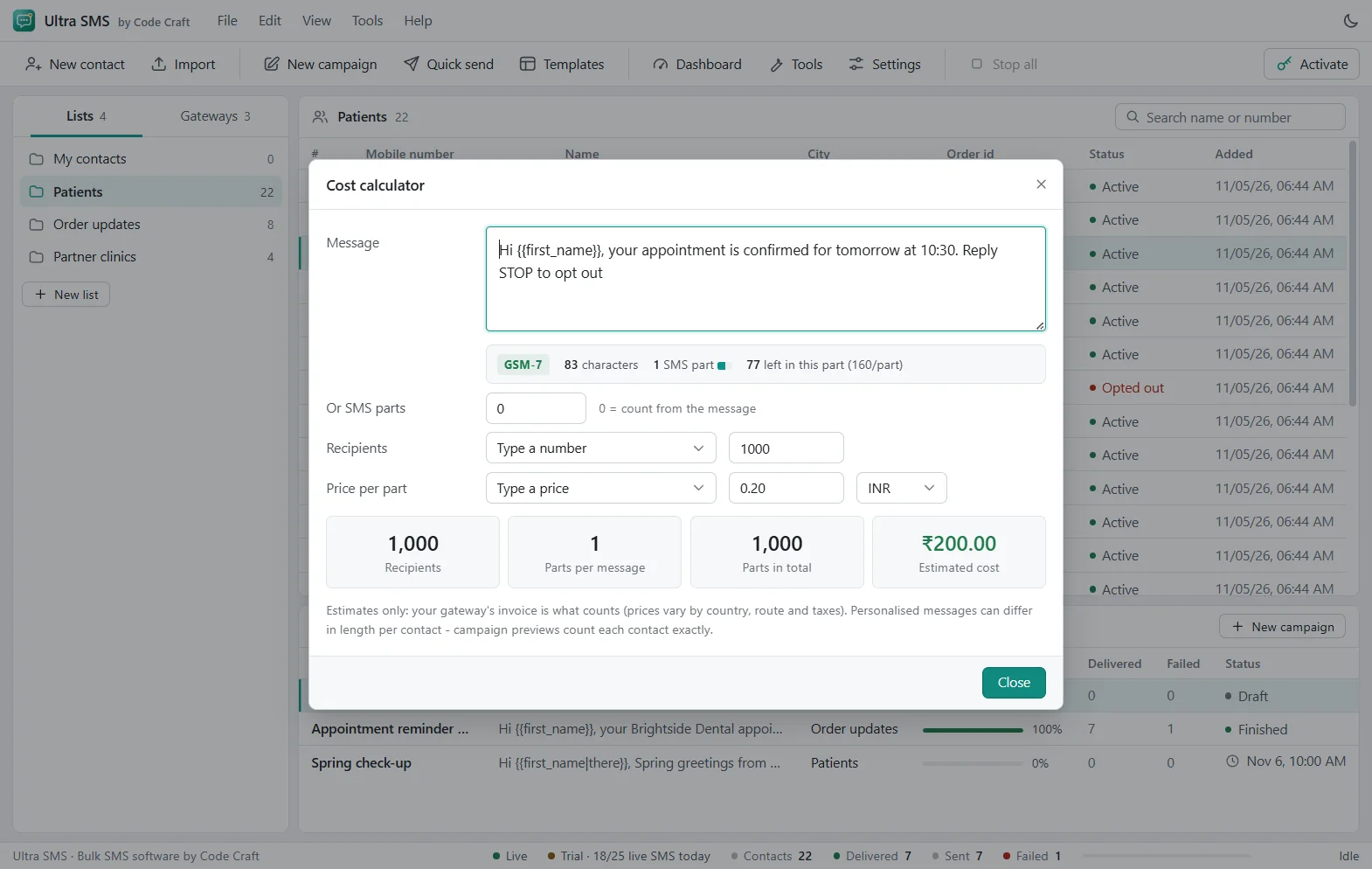
- Ultra SMSSMS Segment Calculator and Number ValidatorTry the SMS segment calculator on this page, then see the tools in Ultra SMS: number validator, list cleaner, encoding fixer, compliance and cost checks.Open
- Ultra SMSBulk SMS Software Price: From $79 a YearUltra SMS is from $79 a year, $29 a month or $199 once, for 1, 3 or 10 devices, with a 15-day refund. Your gateway bills each SMS.Open
Ultra SMS is not affiliated with any SMS gateway named on this site. Gateway names are trademarks of their owners.